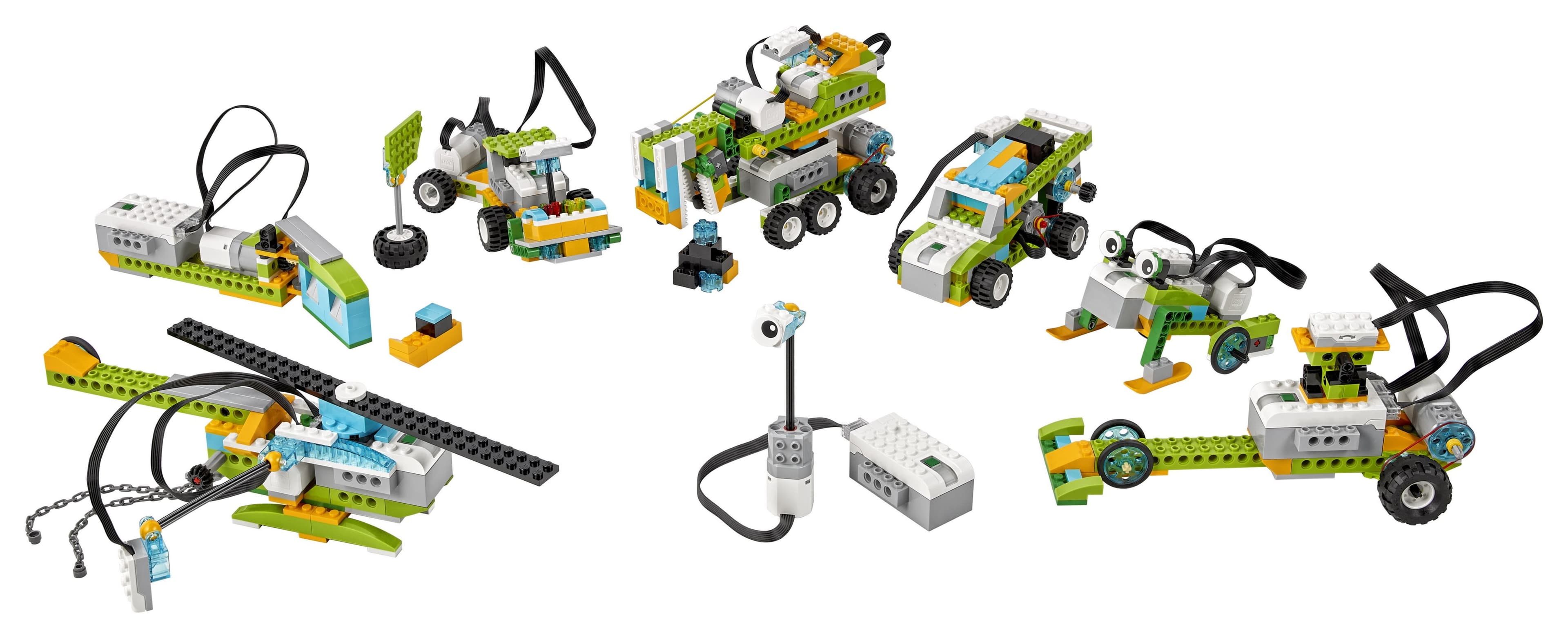
LEGO robotics hands kids engineering and programming at the same time. Motors spin, sensors notice things, and the code they typed makes something move in the room they are sitting in.
On a first build, a team can burn an entire session just trying to get a robot to drive in a straight line. That sounds like a wasted afternoon. It is usually the best learning of the day.
Why Robotics Is Different from Regular LEGO
Regular LEGO gives you a model that sits there looking good. Robotics gives you something that moves, senses, and reacts, all running off a programmable hub.
The Big Idea
Which LEGO Robotics Kit Is Right for Your Child?
- 1
LEGO SPIKE Essential (Ages 6-10)
A guided, block-based starter kit built for younger beginners.
- 2
LEGO SPIKE Prime (Ages 10-14)
The kit a lot of schools use. More sensors, more motors, and room to grow into bigger projects.
- 3
LEGO Mindstorms Robot Inventor
Discontinued but still floating around. Flexible, powerful, and worth grabbing if you spot a good deal.
What Your Child Will Actually Learn
- How machines really move: gears, axles, and leverage
- Sensor logic, or how a robot decides what to do next
- Programming step by step, plus if-this-then-that thinking
- Designing, testing, breaking it, and redesigning
- Working on a team and explaining an idea so someone else gets it
“It kept driving in circles, and it turned out one wheel was just loose. Once we found that, it felt like we had actually fixed something.”
Tips for Parents Who Are Not Engineers
You do not need the answers. You need good questions. These four do most of the work:
- What did you want it to do?
- What did it do instead?
- What would you change first?
- Can you make it do something completely different?
First Projects to Try
- 1
Line follower
Use the color sensor to chase a strip of black tape across the floor.
- 2
Obstacle avoider
Use the distance sensor to turn away before the robot smacks into a wall.
- 3
Remote control
Drive it by hand first, then try to recreate that exact path in code.
- 4
Sorting machine
Build something that sorts objects by color and drops each one in the right pile.
Want a guided first build with step-by-step instructions? Try our LEGO SPIKE Prime Super Cleanup robot guide.
Beyond the Kit
Once a student is hungry for a real team challenge, FIRST LEGO League is the natural next stop.
Build Your First Robot
Start with a guided LEGO SPIKE Prime project that walks you through the build, the code, and what to do when none of it works yet.
Try the robot guide