Choose a STEM path and start building
Free, guided courses for students in grades 2–8. Each path combines short lessons, hands-on activities, and a final project that can be completed at home, in a classroom, or at a library.
No account required · Beginner friendly · Designed for home, classroom, and library use
Browse the coursesStart here
Intro to Artificial Intelligence
Grades 5-8 · 6 lessons · About 7–9 hours
Train a small model, examine where it makes mistakes, and learn how data shapes its predictions.
Students will learn: How data trains models, model accuracy, bias, and AI ethics
Explore the course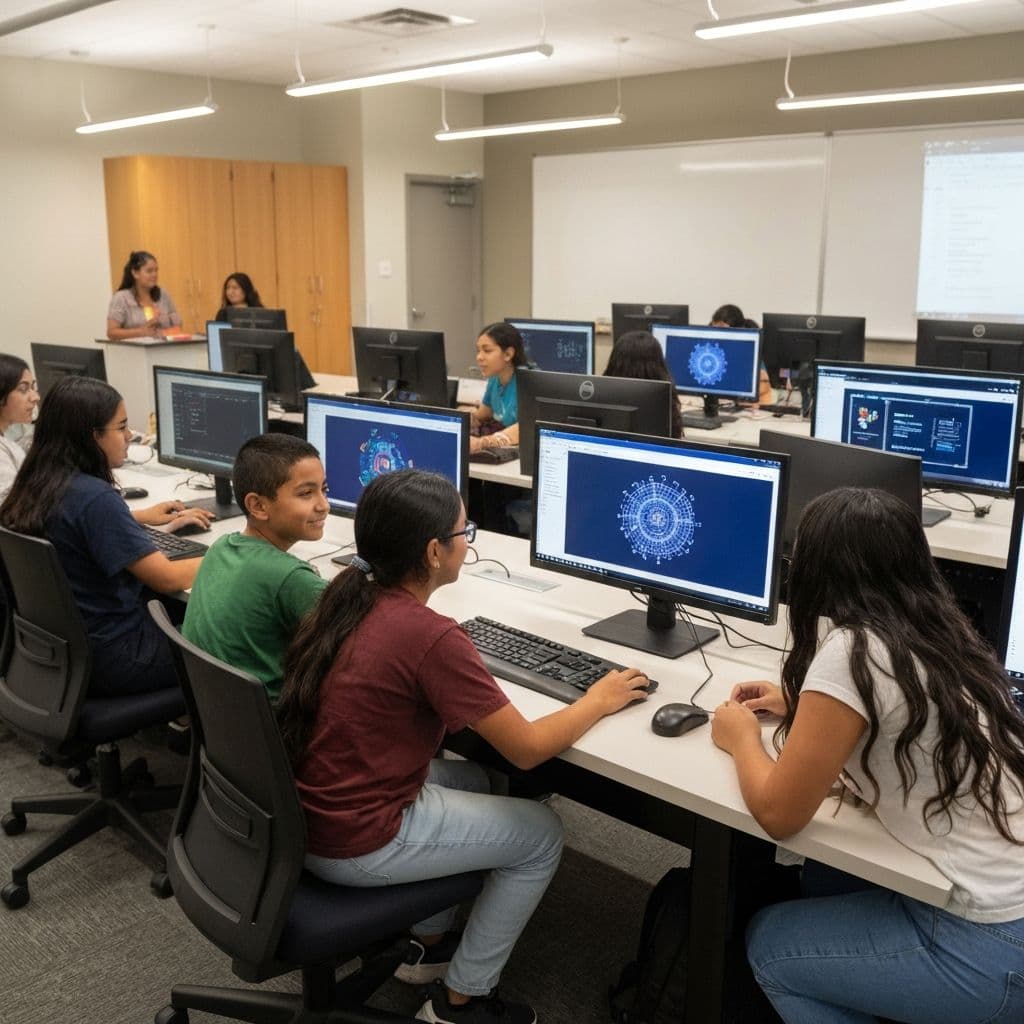
Start with hands-on STEM
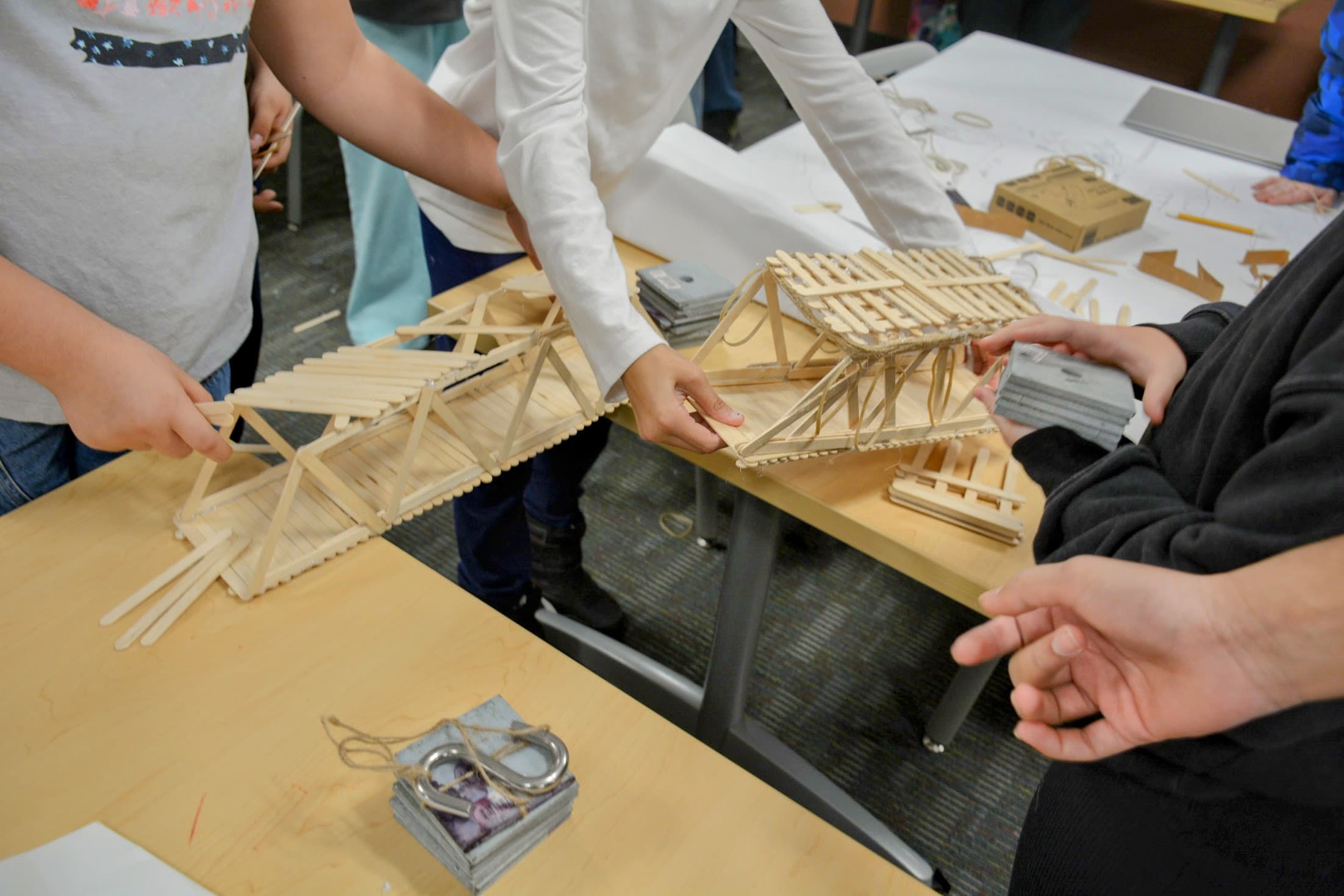
Build, test, and experiment with everyday materials. Great for younger students and no screen required.
Build with technology
Write code, program a robot, and explore how modern technology works — from a first program to AI.
Compare the paths
Pick by grade, length, and how students work - on a screen, with materials, or away from a device.
| Course | Grades | Length | How students work | What students build |
|---|---|---|---|---|
| Intro to Python Programming | Grades 3-6 | 8 weeks | Online | Small Python programs and a final mini game they design. |
| Engineering Fundamentals | Grades 2-5 | 6 weeks | Hands-on build | Towers, bridges, and machines from everyday materials. |
| Learning with Science Experiments | Grades 2-4 | 6 weeks | Hands-on build | One safe experiment a week, from reactions to forces. |
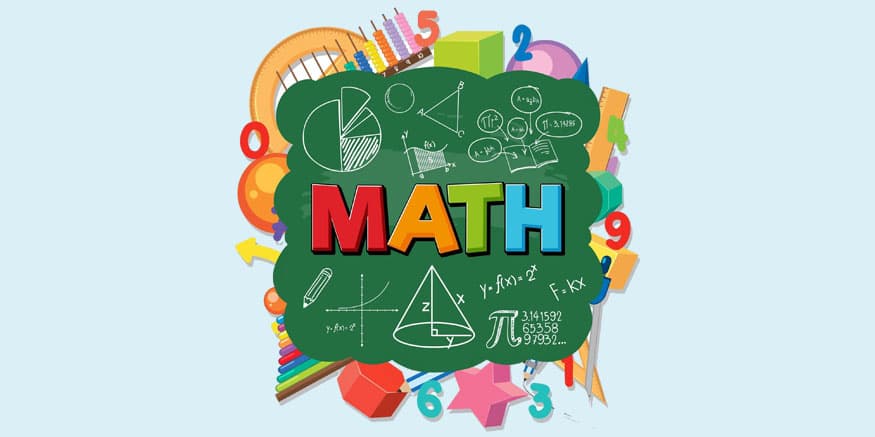
| Math Adventures | Grades 2-5 | 10 weeks | Hands-on build | Weekly puzzles and a final Build a Math City project. |
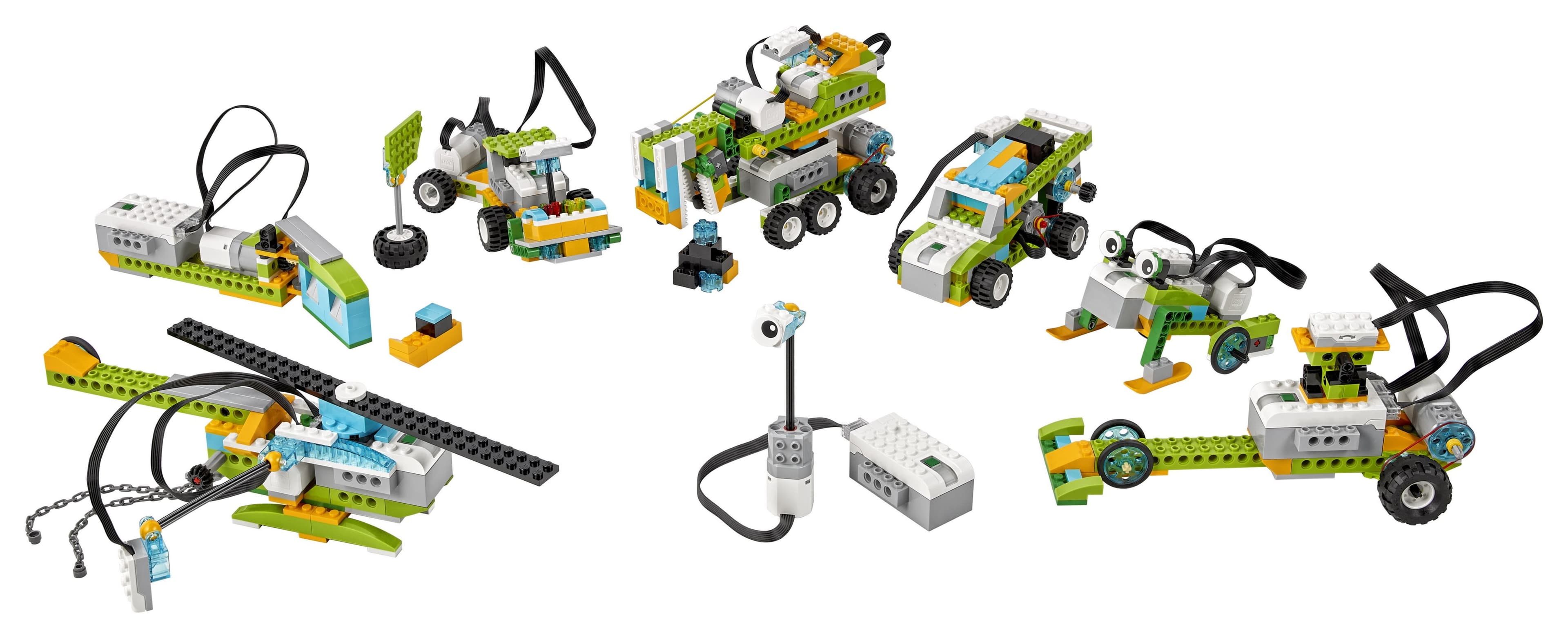
| Robotics & Automation | Grades 4-6 | 8 weeks | Unplugged option | A robot that moves, senses, and reacts - kit or simulator. |
| Intro to Artificial Intelligence | Grades 5-8 | 6 weeks | Online | Their own AI tool in a guided design studio. |
Inside a lesson
What you'll do in each curriculum
Every lesson follows the same simple arc, so students always know what to do next and any adult can lead it.
- Learn
- Read a short, student-friendly explanation with clear examples.
- Try
- Complete a guided activity or interactive exercise.
- Build
- Create a project that uses the lesson's main concept.
- Improve
- Test the result, identify problems, and make a better version.
A real lesson from the Science path
This is the actual Week 1 lesson - nothing here is a placeholder.
Think Like a Scientist and Engineer · 45-60 minutes
- Lesson objective
- How do scientists and engineers figure out what is true and make their ideas better?
- Materials
- 2 sheets of paper · Scissors · A ruler · A few paper clips · A timer or phone stopwatch · A safe spot to drop from, like standing next to a chair (with an adult)
- Explanation
- A scientist is anyone who asks a careful question about the world and then finds a way to test the answer instead of just guessing. An engineer takes what scientists learn and uses it to build and improve things that solve problems. Both of them use the same trick: they change one thing, test it, watch what happens, and try again. This week you will drop a paper helicopter - a folded paper twirler that spins as it falls - and figure out how to make it fall as slowly as you can. To do that, you cannot just guess. You have to run a fair test: keep everything the same except the one thing you want to study, so you know exactly what changed the result.
- Activity
- Paper Helicopter Drop Test. Ask: Which paper helicopter will fall the slowest? That is the question you are testing.
- Reflection question
- Draw your best paper helicopter and write one sentence about what made it fall the slowest.
For parents and educators
Using these curriculums at home, in class, or at a library
- Can I use these at home?
- Yes. Every path is written for home use, a classroom, or a library, and each lesson works as a standalone activity.
- Do they work in a classroom or library?
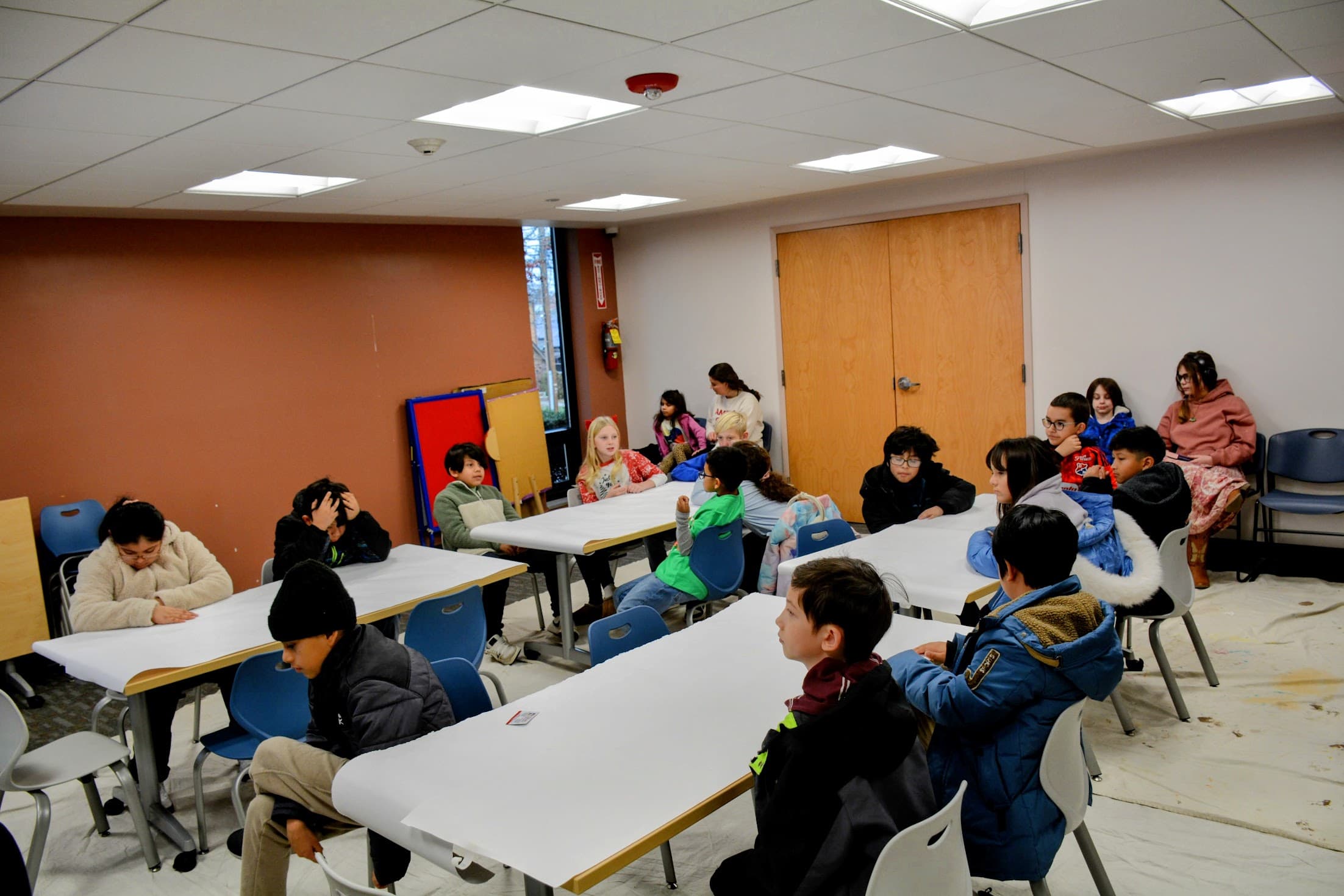
- Yes. Lessons are designed for group settings, with printable worksheets and facilitator guides for most paths.
- Is an adult required?
- No subject expertise is needed. An adult can lead younger students, while older students can work through the lessons on their own.
- Are special materials needed?
- The technology paths (Python, AI) need only a web browser. The hands-on paths use common, low-cost household materials. Robotics also runs with a browser simulator or unplugged - no special kit required.
- Is an account required?
- No. There is no sign-up or login, and no personal information is collected to use the lessons.
- Is progress saved?
- Yes, in your browser on the device you use. Because there is no account, progress stays on that device.
- What languages are supported?
- The site and course catalog are available in English, Spanish, Chinese, and Portuguese. The lesson activities themselves are currently in English.
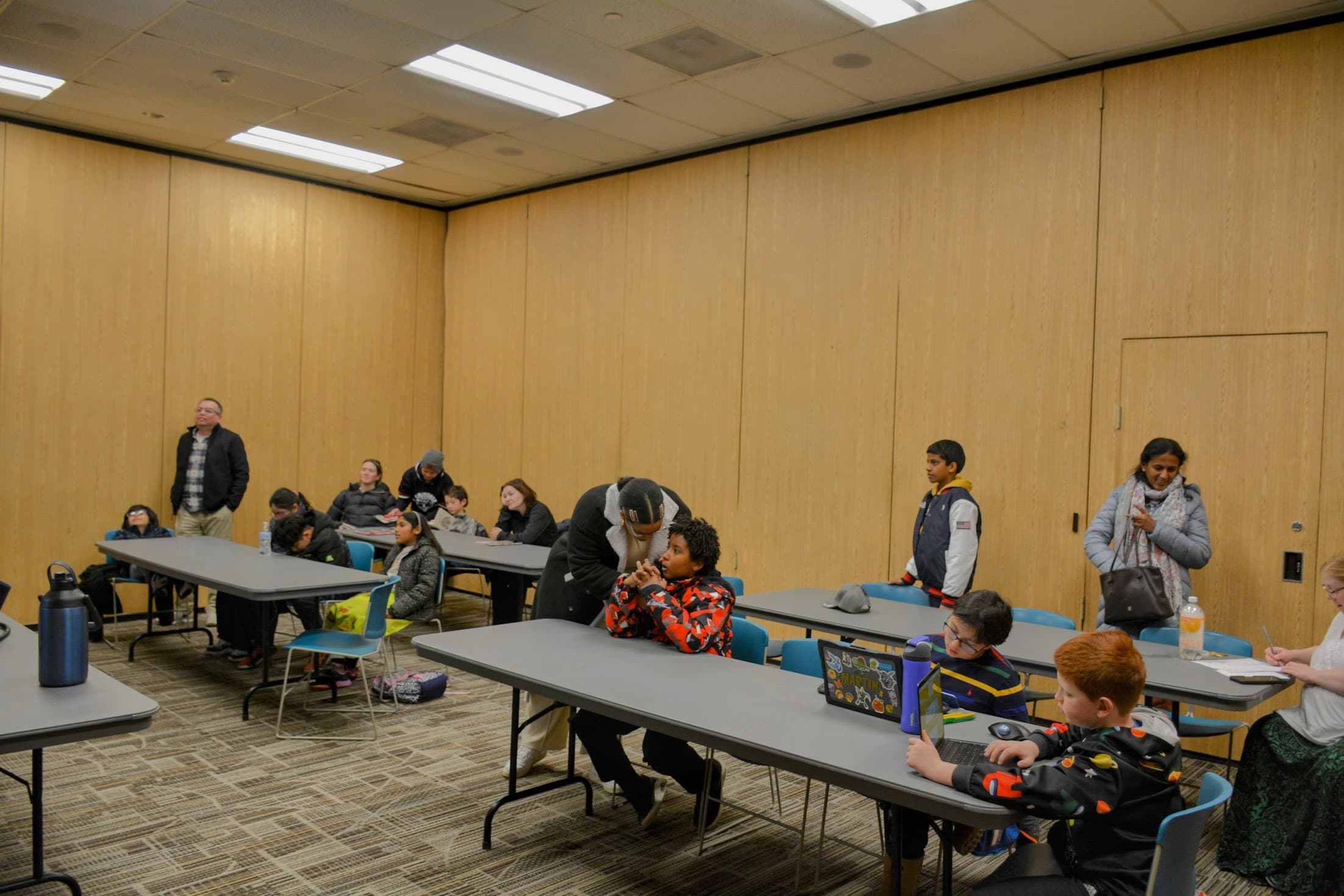
Many activities began as Avanza STEM workshops run in schools and libraries.
Get Curriculum Updates
Join the Avanza STEM newsletter to hear when new curriculum lessons and classroom resources are added.