6-week AI course · Grades 5-8
Intro to Artificial Intelligence
A six-week course where students in grades 5-8 learn what AI really is, how data trains a model, where AI makes mistakes, and how to use it responsibly.
- Ages
- Grades 5-8
- Length
- 6 weeks
- Total time
- About 7-9 hours
- You need
- A browser
No coding required. No camera, no microphone, and no external AI account.
Six weeks from “what even is AI?” to designing a responsible AI helper of your own.
What you'll do
You don't read about AI. You take it apart.
Every week students train, test, and break a real system - then work out why it behaved the way it did.
- 18
- Lessons
- 0
- Lines of code
- Identify what AI is and is not
- Organize data and train simple models
- Test image-classification systems
- Build a rule-based chatbot and a recommendation system
- Investigate bias, privacy, and misinformation
- Design a responsible AI helper
What you'll be able to do by the end
- Tell artificial intelligence apart from ordinary software and automation.
- Explain how examples, labels, and features train a model, and why balanced, correctly-labeled data matters.
- Read a model's accuracy and confidence, and interpret false positives, false negatives, and a confusion matrix.
- Describe how chatbots, language models, and recommendation systems work - and where they go wrong.
- Check AI for bias, protect privacy, verify information, and know when humans must stay in charge.
- Design, prototype, test, and present a responsible AI solution to a real problem.
In the room
Avanza teaches this in person, too
The course is the same one Avanza runs as a workshop in public libraries - the browser version just lets you do it at your own pace.
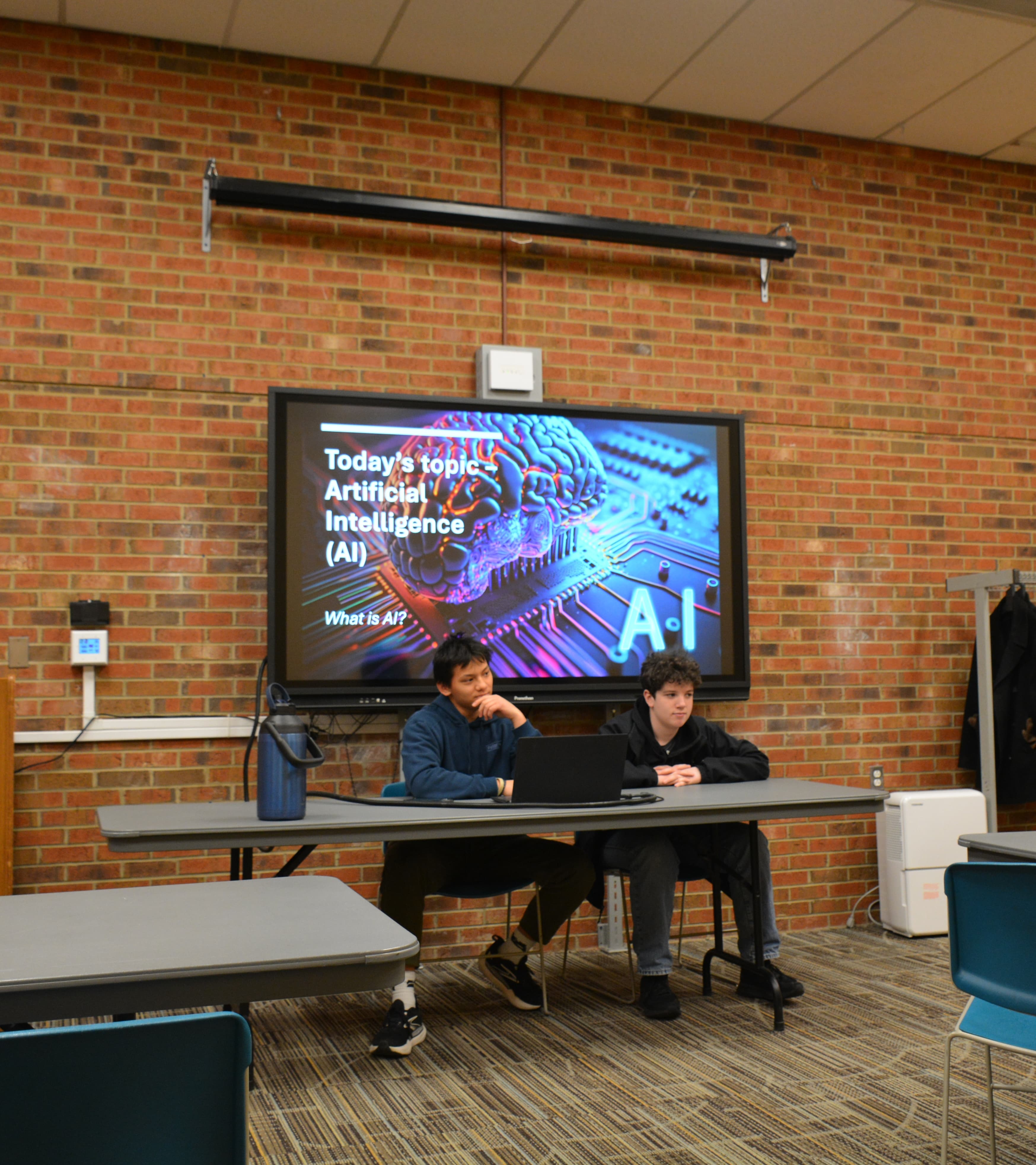
Week 1 starts with the question every kid actually asks: what counts as AI?
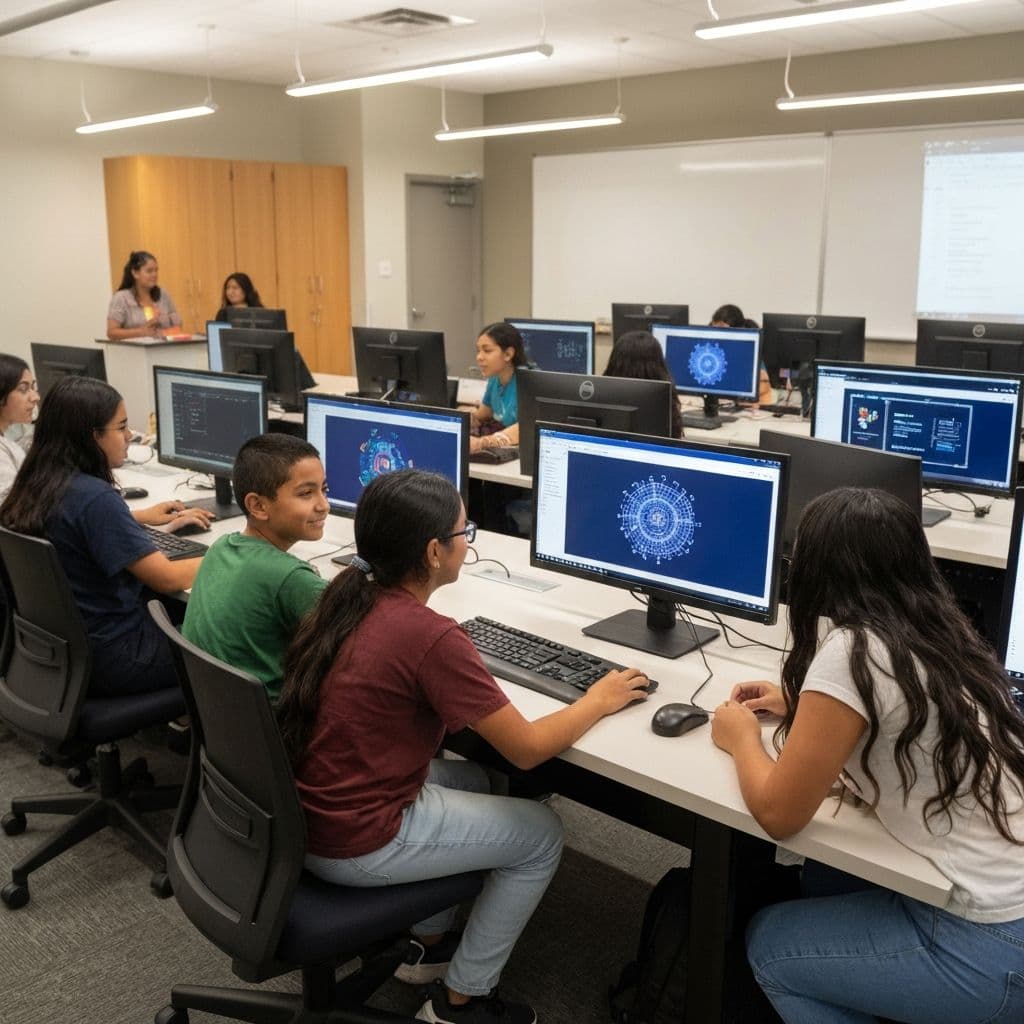
Students sort data, train a model, and find out where it gets things wrong.
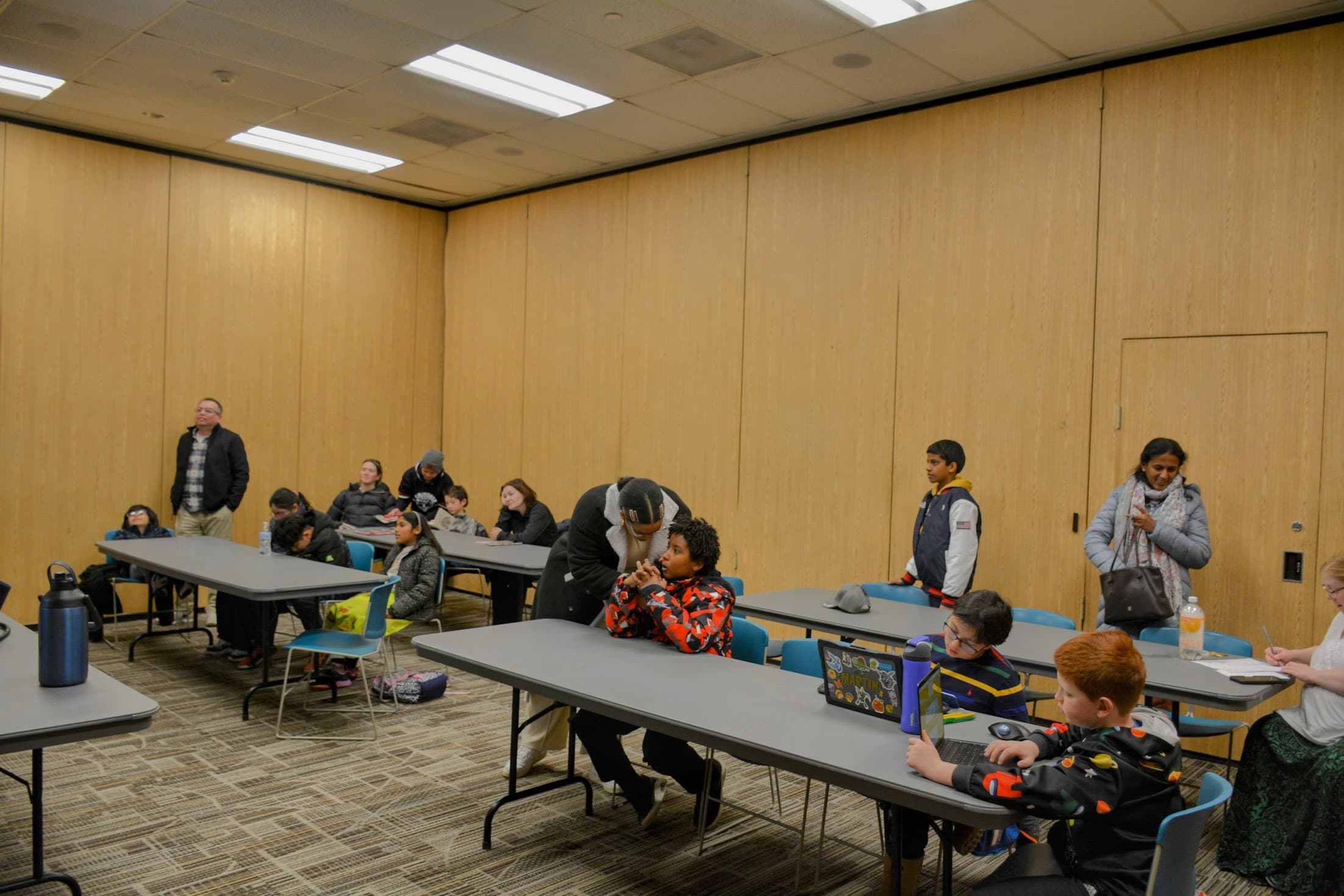
Everything runs in a browser tab on a Chromebook, tablet, or laptop.
The path
Six weeks, six systems
Every week is open - jump ahead to preview, or follow the path in order.
- Week 1: What AI Is and Is NotTell artificial intelligence apart from ordinary software, and spot the AI already around you.2.5-3 hours · 3 lessons · 3 activities · Not started
- Week 2: How Data Teaches a ModelSee how examples, labels, and features become the data a model learns from - and why clean, balanced data matters.2.5-3 hours · 3 lessons · 3 activities · Not started
- Week 3: Image Recognition and Model MistakesSee how an image classifier turns pixels into predictions, measure how well it works, and find and fix the mistakes it makes.2.5-3 hours · 3 lessons · 3 activities · Not started
- Week 4: Text AI, Chatbots, and RecommendationsSee how AI handles language and suggestions - from keyword chatbots to text prediction to the feeds that shape what you see.2.5-3 hours · 3 lessons · 3 activities · Not started
- Week 5: Fairness, Privacy, and Reliable InformationAudit AI for bias, protect people's data, and check whether the content you see can be trusted.2.5-3 hours · 3 lessons · 3 activities · Not started
- Week 6: AI Design StudioBring it all together: define a real problem, decide if AI fits, design and test a prototype, and present it responsibly.2.5-3 hours · 3 lessons · 3 activities · Not started
Capstone
Design a responsible AI helper
Working from what you learned all six weeks, design an AI tool that helps a real group of people. You will define the problem, decide whether AI actually fits, plan the inputs, outputs, labels, features, or rules, sketch a prototype, write test cases, and explain how you would keep it fair, private, and under human oversight. This is a design and planning project - you will not train a real model.
Your project will include
- Clear user need
- AI suitability decision
- Inputs and outputs designed
- Prototype and test cases
- Responsible-use plan
- Clear presentation
Choose a direction
Helpful sorter
A group struggles to sort many items quickly - like a library sorting returned books or a club organizing photos.
Question helper
People keep asking the same questions and a small team can't keep up - like a school office or a game's help desk.
Fair recommender
A community wants suggestions - books, activities, or recipes - without trapping people in a filter bubble.
Your own idea
You have a problem in your school or community that you think AI could help with.
You can preview the project any time - you'll build it in Week 6.
What you need
Almost certainly, you already have it
- A web browser - on a school Chromebook, tablet, or laptop
- A keyboard, mouse, or touchscreen
- A notebook or printed worksheet - optional
- Built-in fictional datasets - included - no downloads
- A camera or image upload - optional, only in some later activities
- No microphone required
- No external AI account required
Nothing to install
Nothing leaves the device
Reference
Vocabulary
Every key term from the course, defined in language a fifth grader can actually use.
Your work
Notes & reflections
Notes save automatically on this device
Jot down ideas as you go. Please don't enter your full name, address, passwords, or other private information — notes are stored only in this browser on this device and are never sent anywhere.
Manage your progress
Your progress, notes, and answers are saved only in this browser on this device. Nothing is sent anywhere, and no personal information is required.
For teachers
Ready to find out how AI actually works?
Start with Week 1 and work through all six weeks at your own pace. No account, no cost, nothing to install.