An 8-week beginner coding program
Intro to Python Programming
An 8-week beginner coding curriculum where students learn Python by building small games, interactive programs, and debugging challenges.
- Ages
- Grades 3-6
- Length
- 8 weeks
- Per session
- 50-60 minutes
- You need
- A browser
Runs in the browser, no install needed. Nothing to install, no account, and no cost.
name = input("What's your name? ")
print("Hello, " + name + "!")

for i in range(3):
    print("Python is fun!")
Output
Hello, Maya!
Python is fun!
Python is fun!
Python is fun!
Week 1, minute 5: your kid's first program runs and prints something back.
What students learn
Real code, from the very first week
Students with no prior experience learn to read and write real Python, one idea at a time. Each week introduces a single concept and ends with a small project the student can run and show off. By the last week, students combine everything they have learned to design and build their own mini game.
- 8
- Weekly projects
- 0
- Setup steps
- How computers follow instructions
- How variables store information
- How programs make decisions
- How loops repeat actions
- How functions organize code
- How lists and randomness make programs more interesting
- How to find and fix mistakes in code
- How to design and build a small final project
In the room
This is what a session looks like
Avanza runs this curriculum in public libraries and community rooms. It works the same way at a kitchen table.
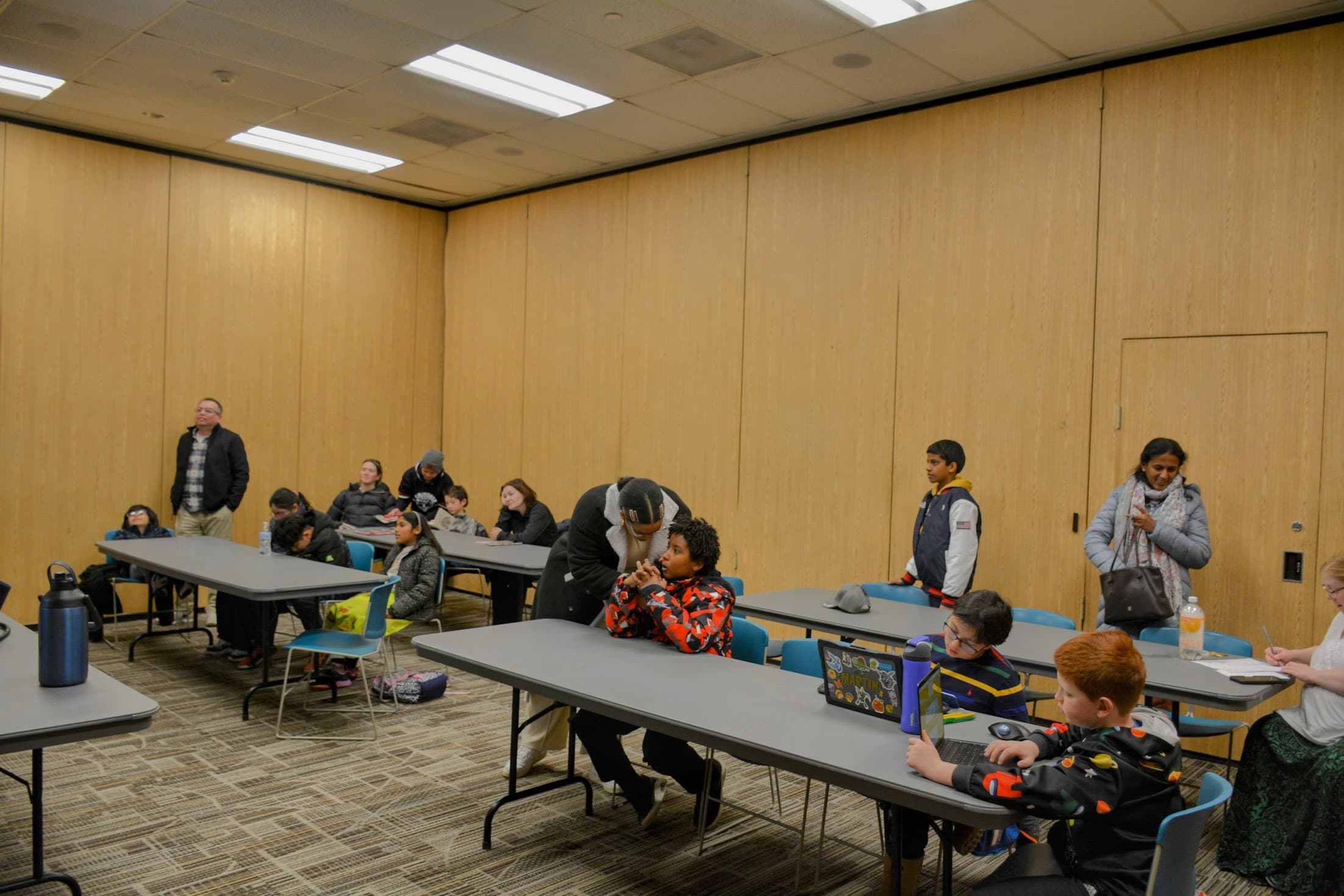
Kids work at their own pace, on whatever laptop or Chromebook is in the room.
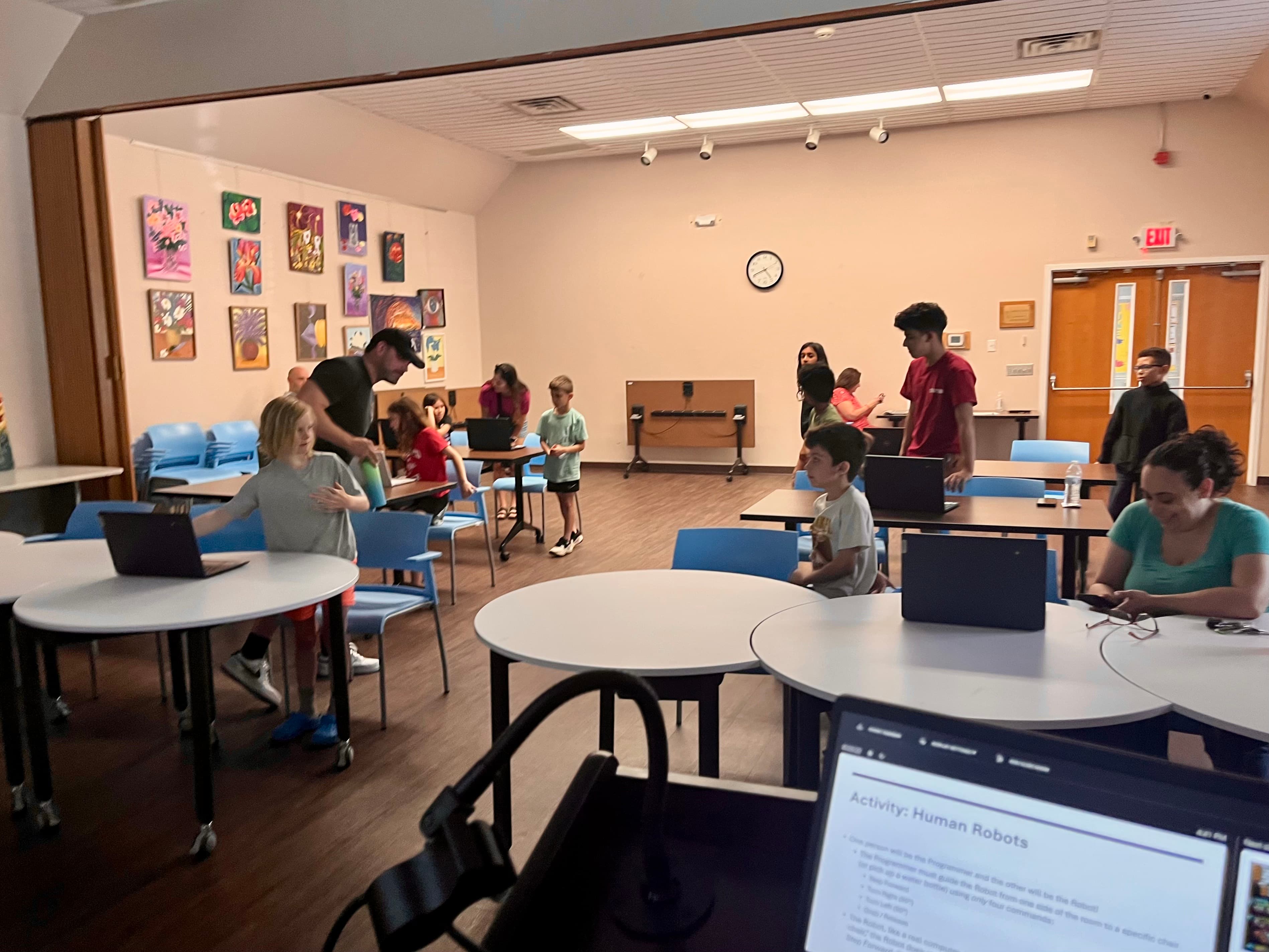
A volunteer or a parent can lead a session - the lesson page does the teaching.
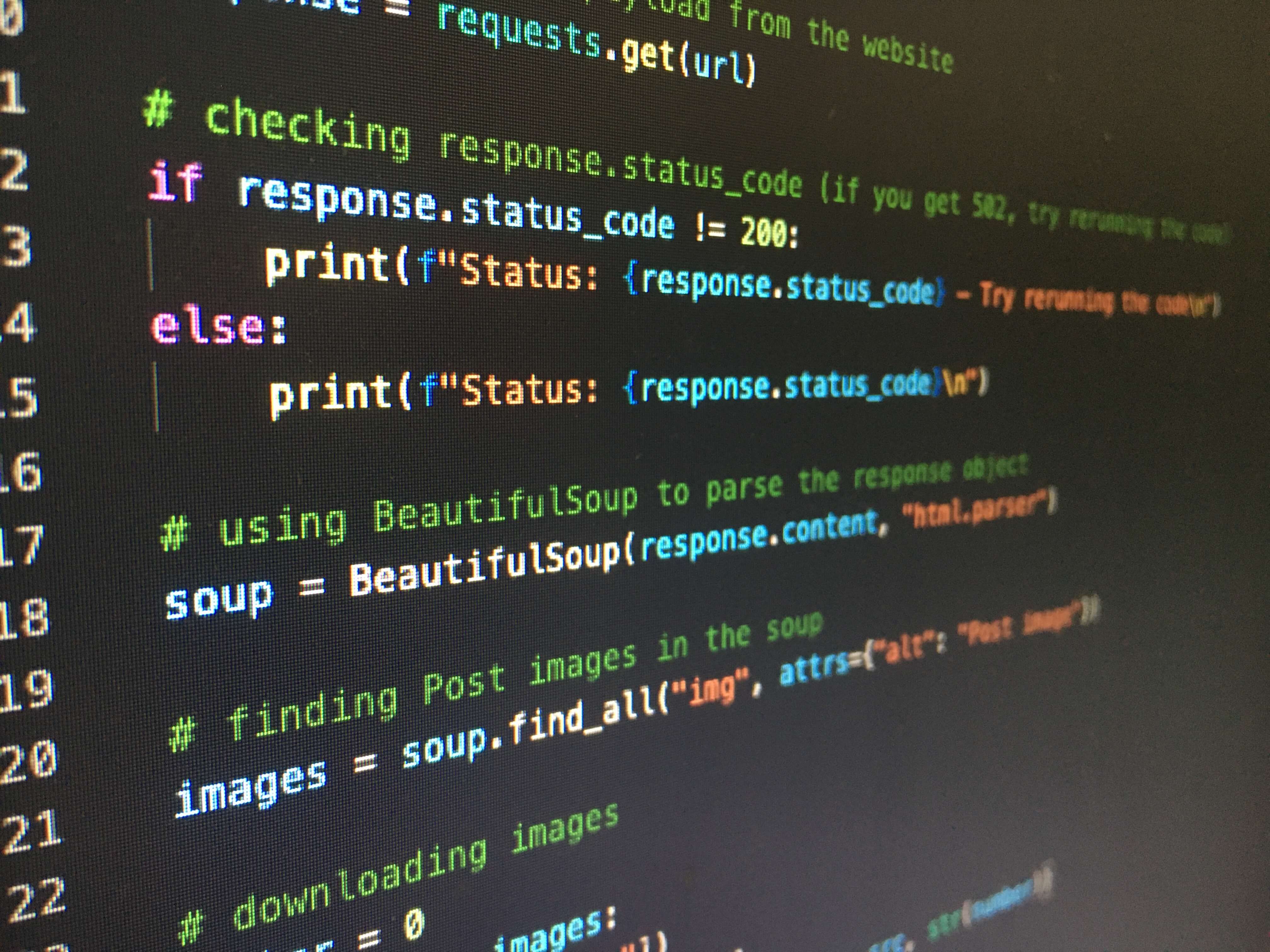
Every week ends with a program that runs and does something the student chose.
The rhythm
Every week follows the same five steps
So students always know what is coming, and a facilitator always knows what happens next.
Learn the idea
Read a short, plain-language explanation of the one new concept for the week.
Try starter code
Run working starter code in the browser and change it to see what happens.
Fix a broken example
Find and repair a small bug in a broken snippet, the way real programmers do.
Build a mini project
Use the new idea to write and run a small program of your own.
Reflect on what changed
Answer a short question that connects the code back to your own thinking.
The path
8 weeks, 8 programs
One concept per week. Each week ends with a project students build and run themselves - complete a lesson to unlock the next one.
0 of 8 lessons completed
- Week 1
What is Python?
The first lesson. Students find out what code really is: exact instructions the computer follows in order. They write and run their own Python program using print() to put words on the screen, and see what happens when one instruction is typed wrong.
Project: Digital Introduction Card|50-60 minutes
Not started
- Week 2
Variables and Data Types
Students give the program a memory. They store words and numbers in variables, then reuse them to build sentences, so changing one line changes the whole program. This is the first step toward a game that can talk about a player by name and keep track of a score.
Project: About Me Generator|50-60 minutes
Not started
LockedComplete Week 1 first - Week 3
Input and Interaction
Programs start listening. Students use input() to ask the player a question, wait for the answer, and use that answer in what the program says back. By the end they have a short chatbot that responds to whatever you type.
Project: Mini Chatbot|50-60 minutes
Not started
LockedComplete Week 2 first - Week 4
Conditionals
The program starts making choices. Students use if, elif, and else so it does different things depending on the player's answer. They build a short quiz that checks answers and responds to each one - the core of any game that can be won or lost.
Project: Trivia or Personality Quiz|55-60 minutes
Not started
LockedComplete Week 3 first - Week 5
Loops
Instead of copying a line over and over, students make the program repeat. Using a while loop, they build a Guess the Number game that keeps asking until the player wins, giving too-high and too-low hints along the way. The secret is fixed for now; Week 7 makes it random.
Project: Guess the Number Game|60 minutes
Not started
LockedComplete Week 4 first - Week 6
Functions
As programs get bigger, students package code into functions they can name and reuse. They build small helper functions - greet the player, show the score - and call them whenever they are needed, which is exactly how the final game will stay organized.
Project: Game Helper Functions|60 minutes
Not started
LockedComplete Week 5 first - Week 7
Lists and Randomness
Programs become unpredictable. Students store several values in a list and use random.choice() to pick one at random, so the program does something different every run. They build a short adventure game whose path and prize change each time - and meet import for the first time, because now they need it.
Project: Random Adventure Game|60 minutes
Not started
LockedComplete Week 6 first - Week 8
Final Game Builder
The final project. Students plan and build their own small Python game, combining everything: variables to track the score, input for the player's moves, conditionals to decide what happens, a loop to keep playing, functions to stay organized, and a list with random to keep it fresh. They start from a working skeleton and make it their own.
Project: Build Your Own Python Mini Game|60 minutes (or two sessions)
Not started
LockedComplete Week 7 first
Week 8 - Capstone
Build Your Own Python Mini Game
The final project. Students plan and build their own small Python game, combining everything: variables to track the score, input for the player's moves, conditionals to decide what happens, a loop to keep playing, functions to stay organized, and a list with random to keep it fresh. They start from a working skeleton and make it their own.
Instead of learning a new idea, students combine everything from the program - variables, input, conditionals, loops, functions, lists, and randomness - to design and build their own Python mini game.
They start from a short plan, add one feature at a time, and test as they go. The result is a small game that is entirely their own, and proof they can get from a blank file to a working program.
It really runs
For grown-ups
You do not need to know how to code
Every lesson runs in the browser with no setup, so this works as a library coding club, an after-school or weekend workshop, classroom enrichment, or self-paced learning at home.
- One concept per week, taught in order so each week builds on the last.
- Every lesson ends with a project students write and run themselves.
- Short mini, debugging, and extension challenges let students practice at their own pace.
- All code runs in the browser Python playground, so no installation is required.
What each student needs
Resources
Everything a facilitator needs
Each lesson is self-contained and includes teacher notes on pacing and common mistakes, so a facilitator does not need a programming background to lead it.
Ready to write the first line?
Start with Week 1 and work through all 8 weeks at your own pace. Your progress is saved on this device - no sign-in, no cost.