8-week robotics course
Robotics & Automation
Learn how robots sense, think, and act - then design, build, program, test, and improve one that helps.
- Ages
- Grades 4-6
- Length
- 8 weeks
- Per week
- 60-90 minutes
- You need
- Nothing special
No hardware required. You can switch how you work at any time without losing anything.
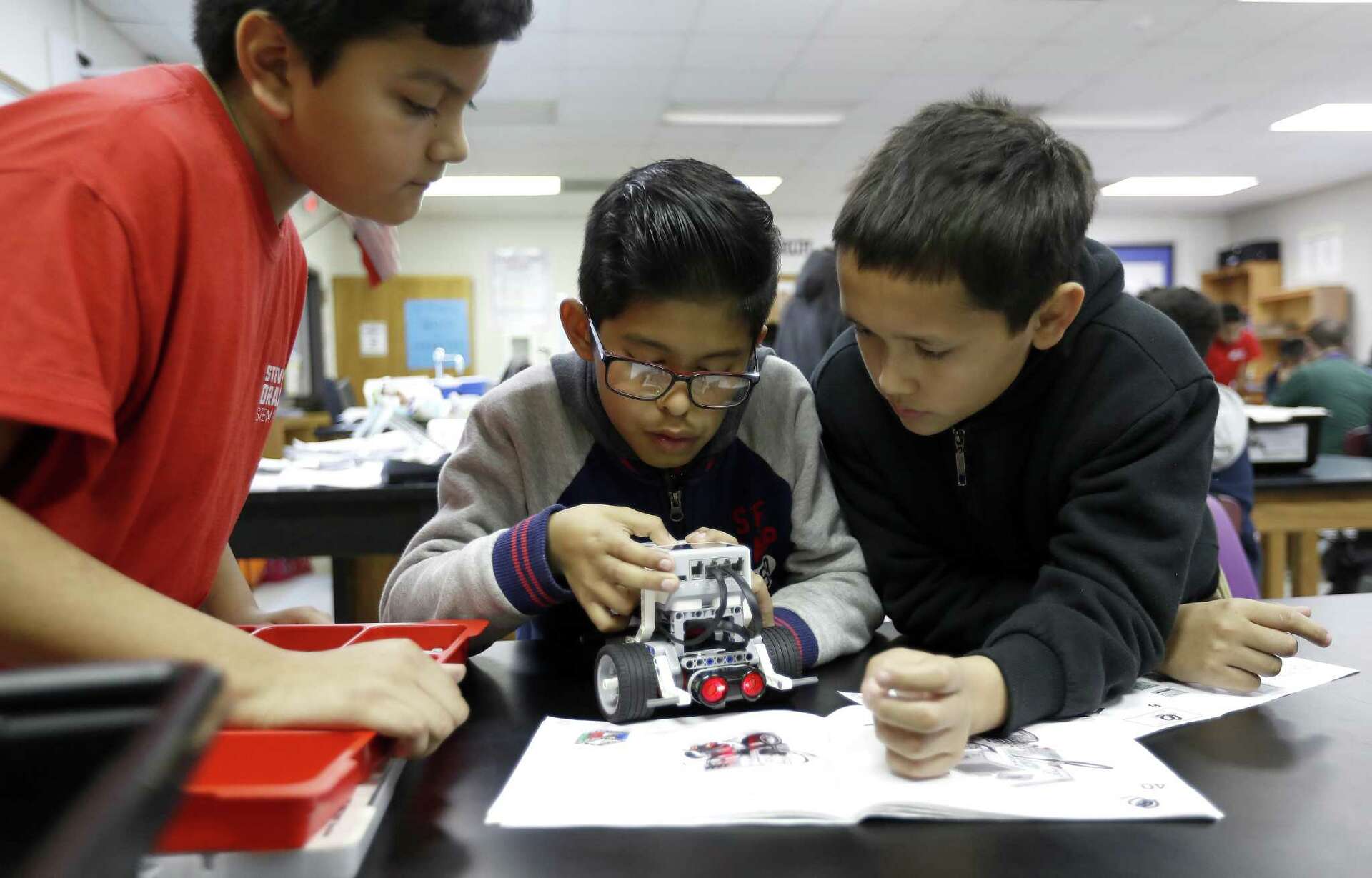
Build with a kit, program in the browser simulator, or go unplugged with cardboard - same course, same final project.
0 of 8 weeks completed
0%
New here? Start with Week 1 - it needs no kit and takes about 60-75 minutes.
Begin courseThe missions
One robot mission every week
Robotics & Automation teaches how real robots work by building up one idea at a time. Students start by sorting robots from ordinary machines, then build a rolling base, give it exact instructions, add sensors, and make it react to the world with loops and conditions. Later weeks focus on debugging for reliability and planning a safe autonomous mission, and the course ends with a capstone where each student designs, builds or simulates, programs, tests, and improves a robot that does one helpful job. The whole course runs three ways - with a programmable kit, an in-browser simulator, or unplugged with cardboard and paper programming - so any classroom, library, or home can take part.
- 8
- Weekly missions
- 3
- Ways to build
Decide what counts as a robot, then map and design a robot that does one helpful job.
Build a stable rolling base and test how wheel, gear, and chassis choices change how it moves.
Plan an exact sequence of move and turn commands, predict where it ends, then program the robot to follow a path to a goal.
Read a sensor across changing conditions, find a threshold, and calibrate it so the readings are reliable in this room.
Program a robot that reacts on its own: it loops, checks a sensor, and uses if/else to avoid obstacles or follow a line.
Diagnose and fix mechanical, programming, and sensor bugs, then prove a robot is reliable with a three-run test.
Plan an autonomous mission with requirements, constraints, and a flowchart, then rehearse it with a short guided practice mission.
Design, build or simulate, program, test, and improve a robot that carries out one helpful mission of your choice.
In the room
Robots, but real ones
Avanza runs robotics sessions in libraries and community rooms with whatever equipment is on hand - which is exactly how this course is built to work.
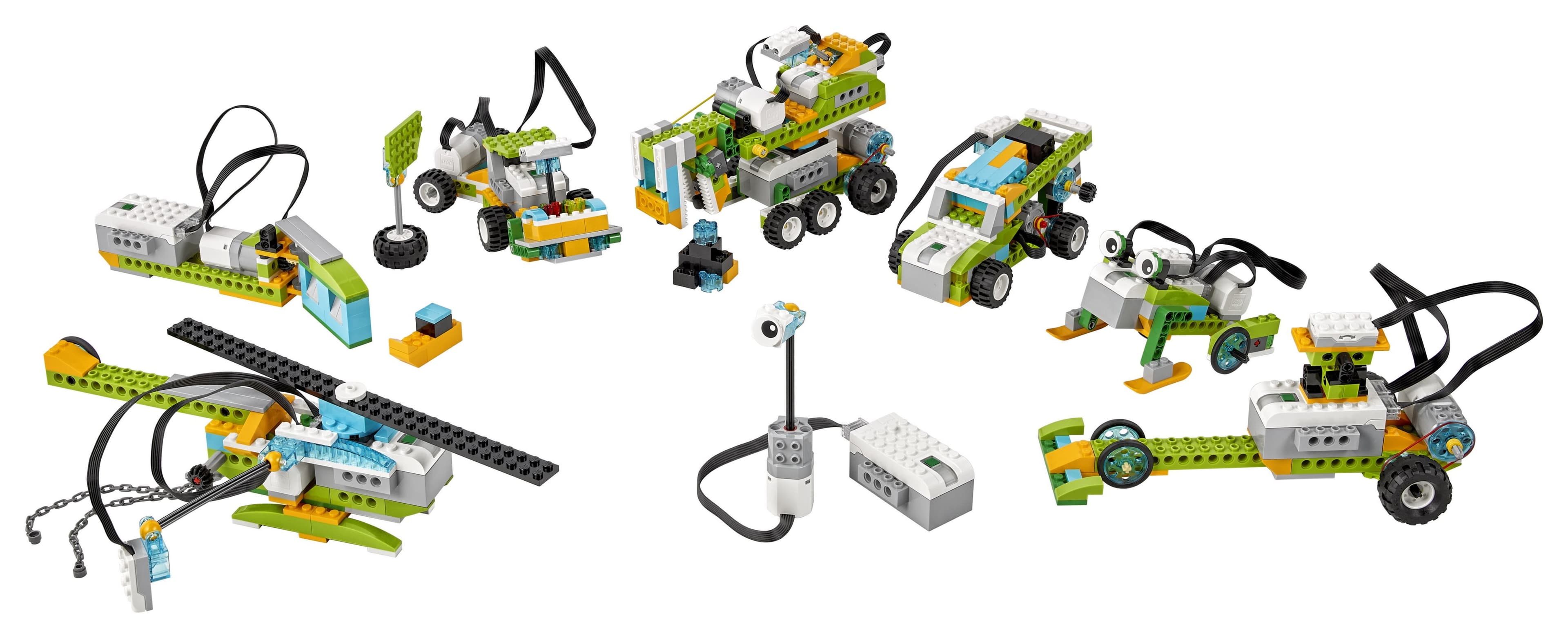
Have a kit? Build the chassis, wire the sensors, and drive it around.
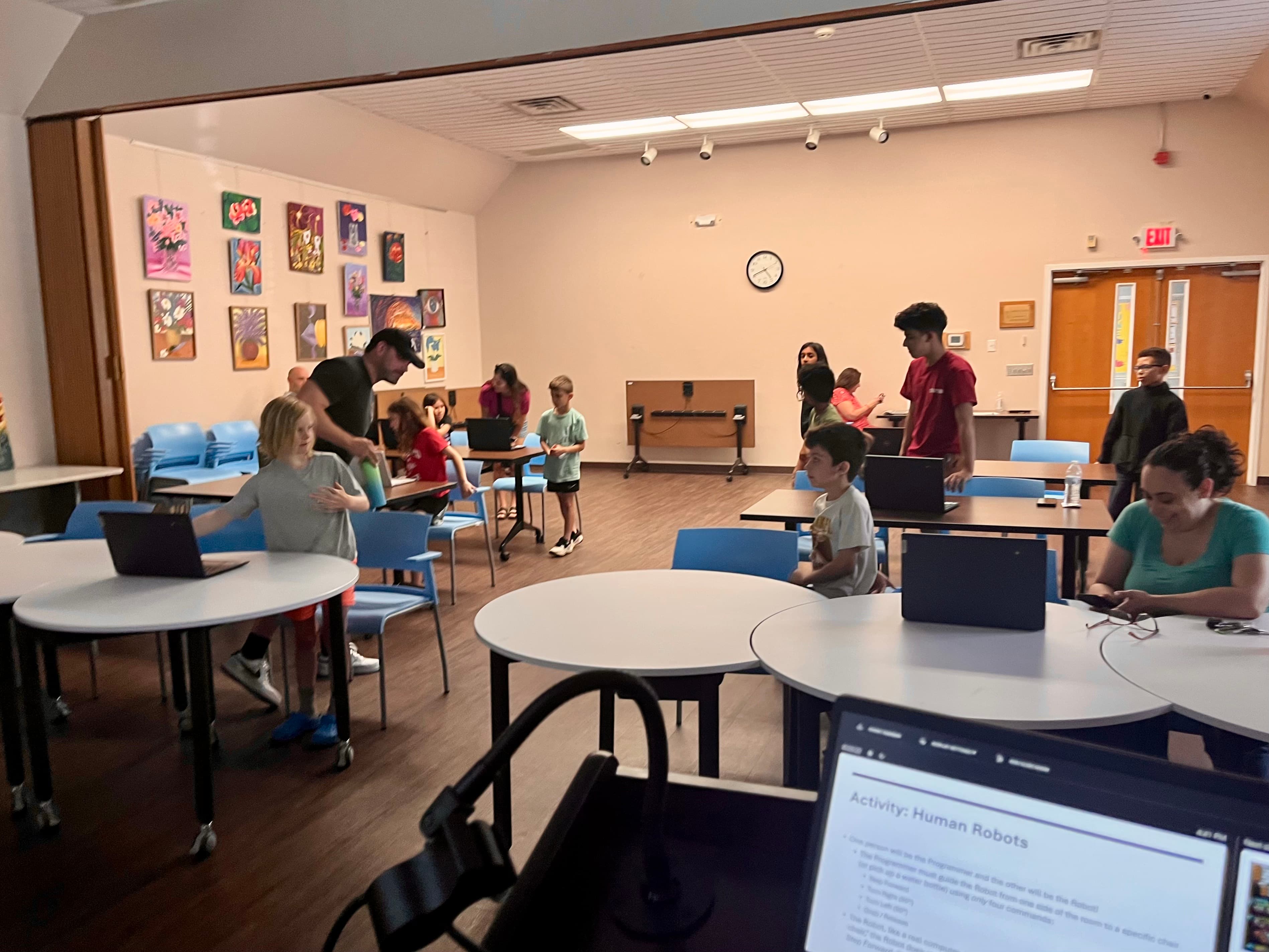
No kit? The Human Robots activity teaches the same idea with nothing but instructions.
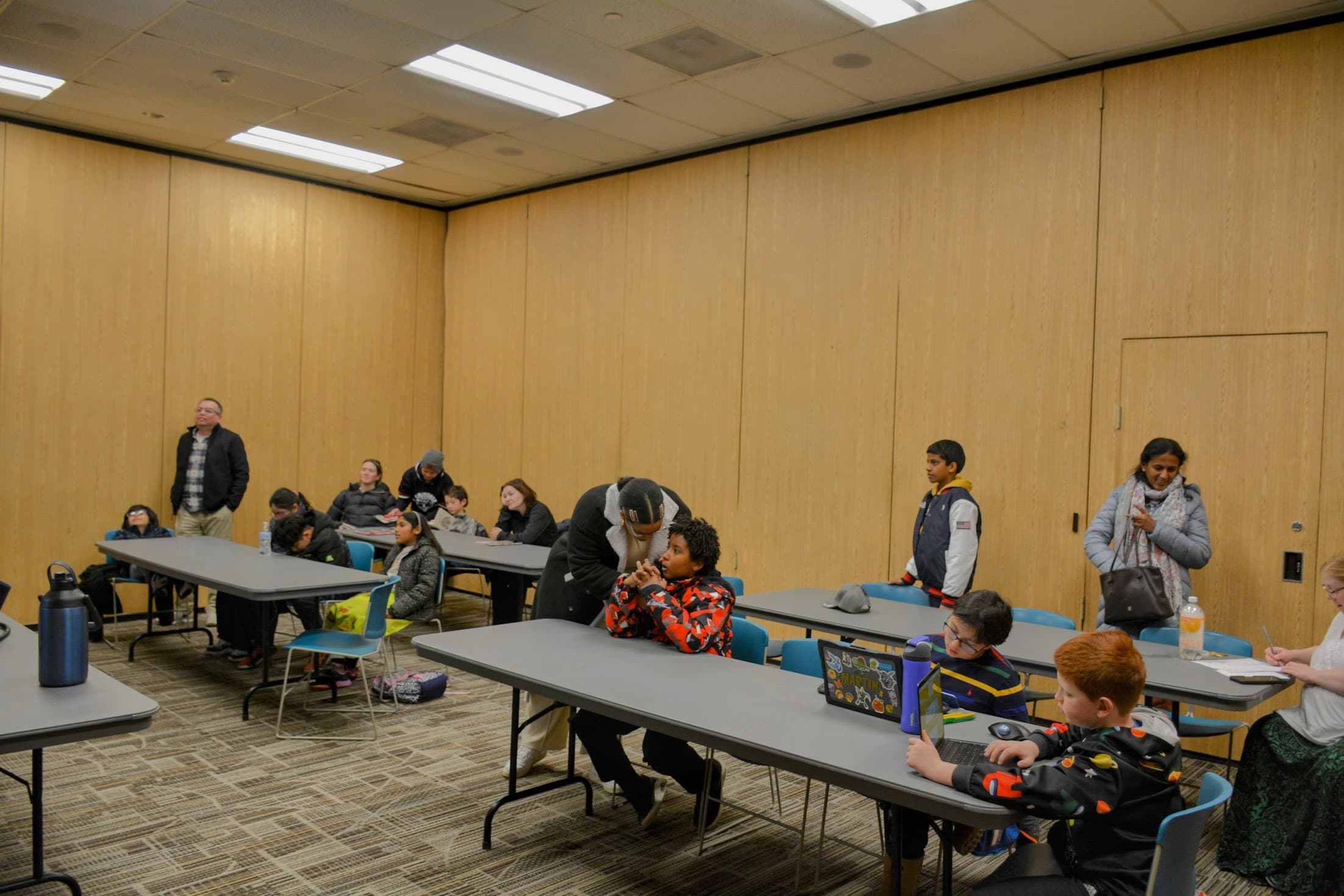
Or program the browser simulator - it runs the same missions with no hardware at all.
By the end
What every student understands
Not how to follow a build guide - how a machine senses the world, decides what to do, and acts on it.
- Explain what makes something a robot and how it senses, decides, and acts
- Build a stable robot base that moves
- Program exact sequences of instructions
- Use sensors, thresholds, and calibration
- Make robots react with loops and conditions
- Debug mechanical, programming, and sensor problems for reliability
- Plan a safe autonomous mission with a flowchart
- Design, build, program, test, and improve a robot that helps
Your setup
Kit, simulator, or unplugged
All three paths teach the same robotics ideas and reach the same final project. None is a lesser version - pick the one that fits what you have.
Choose your path
Do this course with a robot kit, the browser simulator, or unplugged with household materials. Pick one - you can switch anytime without losing your work.
You can switch any time
The path
The eight weeks
Each week teaches one robotics idea, then puts it to work. Weeks build on each other, so they unlock in order as you finish them - Week 1 is open now.
- 01
What Makes Something a Robot?
Students figure out what actually makes something a robot instead of just a machine. They learn that a robot senses the world, decides what to do, and then acts - the input, processing, output loop - and that a program is what makes it repeat the job on its own. They investigate real devices, map one as a robot system, and sketch a helpful robot of their own.
- Mission:
- Decide what counts as a robot, then map and design a robot that does one helpful job.
- Time & parts:
- 60-75 minutes · 6-part lesson
- Key materials:
- Three or four everyday devices to investigate (toy, phone, flashlight, robot vacuum, etc.), Robot System Mapper worksheet (printable), Pencil and paper for sketching, and more
- New ideas:
- Robot, Machine, Input, Processing
- 02
Building a Robot That Moves
Now that students know what a robot is, they build one that actually moves. They learn how a motor spins an axle, how wheels and gears turn that spin into motion, and how gears trade speed for turning power (torque). They investigate why some rolling bases tip over and others stay steady - friction and traction for grip, and a low, wide center of mass for stability - and they meet differential drive, where driving two wheels at different speeds is what steers the robot. Then each student builds and tests a rolling base of their own.
- Mission:
- Build a stable rolling base and test how wheel, gear, and chassis choices change how it moves.
- Time & parts:
- 65-80 minutes · 8-part lesson
- Key materials:
- Chassis Test Log worksheet (printable), Pencil, paper, and a ruler or measuring tape, A short ramp or a stack of books to make a slope for the tip test, and more
- New ideas:
- Motor, Axle, Wheel, Gear
- 03
Giving Exact Instructions
Students learn that computers follow instructions literally and exactly: a robot does what you actually told it, not what you meant. They write an algorithm - a clear step-by-step plan - as pseudocode in plain language, then turn it into a program made of a straight sequence of movement commands with timing, distance, and turns. They predict where the robot will end up before running, then run and compare. This is a sequences-only week: no loops, conditions, or sensors yet - just exact, ordered commands to steer a robot through a delivery path or maze to a goal.
- Mission:
- Plan an exact sequence of move and turn commands, predict where it ends, then program the robot to follow a path to a goal.
- Time & parts:
- 60-75 minutes · 7-part lesson
- Key materials:
- Path or maze map with a start, a goal, and grid squares (printable), Pseudocode planning sheet (printable), Predict-and-test record sheet (printable), and more
- New ideas:
- Program, Command, Sequence, Algorithm
- 04
Helping Robots Sense
Now that the robot moves and follows instructions, students give it senses. They meet touch, distance, light, and color sensors and learn that a sensor reading is a number the robot can measure. They discover that a threshold is a cutoff that turns numbers into 'near or far' and 'light or dark', that every sensor has detection limits, and that readings wobble a little (noise), so you take several and calibrate them for this room and this robot. After reading and calibrating, they program one sensor-based stop - the robot drives and uses its distance sensor to halt right before a wall - so a threshold finally controls a real action. Fuller automatic behavior with loops and conditions across a whole mission comes next week.
- Mission:
- Read a sensor across changing conditions, find a threshold, and calibrate it so the readings are reliable in this room.
- Time & parts:
- 70-85 minutes · 7-part lesson
- Key materials:
- Sensor Reading Log worksheet (printable), Tape measure or ruler for setting known distances, Pencil and paper for recording readings, and more
- New ideas:
- Touch sensor, Distance sensor, Light sensor, Color sensor
- 05
Making Robots React
This is the big programming week. Students take the sensors from Week 4 and the sequences from Week 3 and combine them with loops and conditions so a robot can react on its own. They learn that a loop repeats steps, a forever loop repeats until it is stopped, and a repeat-until loop runs until a condition becomes true. They meet conditions and boolean (true/false) decisions, then use if and if/else to choose actions. They program obstacle avoidance - loop, read the distance sensor, and if something is close, turn - and explore line following by checking a light or color sensor to steer and stay on a line.
- Mission:
- Program a robot that reacts on its own: it loops, checks a sensor, and uses if/else to avoid obstacles or follow a line.
- Time & parts:
- 70-85 minutes · 7-part lesson
- Key materials:
- Block program planning sheet (printable), If/else decision-card set (printable), Reaction test record (printable), and more
- New ideas:
- Loop, Forever loop, Repeat-until, Condition
- 06
Debugging and Reliability
Students take the reacting robots they built and make them trustworthy. They learn that debugging is the work of finding out why the actual result is different from the expected result, and that bugs come in three families: mechanical (something physical), programming (a wrong or missing instruction), and sensor (a bad reading, threshold, or calibration). They practice diagnosing purposeful debugging missions, meet variables and counters to store and track values, and run reliability trials - the same task three times - recording expected versus actual to prove the robot really works.
- Mission:
- Diagnose and fix mechanical, programming, and sensor bugs, then prove a robot is reliable with a three-run test.
- Time & parts:
- 70-85 minutes · 7-part lesson
- Key materials:
- Three-run test record (printable), Bug Detective worksheet with the three bug families (printable), Pencil and paper for recording results, and more
- New ideas:
- Debugging, Variable, Counter, Stored value
- 07
Planning an Autonomous Mission
Students learn how engineers plan a robot's job before they build it. They tell autonomous systems (which decide for themselves with sensors and a program) from remote-controlled ones (which a person steers), then write requirements, constraints, and criteria for a mission and weigh the trade-offs. They draw a flowchart of an autonomous program - action boxes and decision diamonds, including a safe stop - and run a short guided practice mission as a rehearsal for next week's final project.
- Mission:
- Plan an autonomous mission with requirements, constraints, and a flowchart, then rehearse it with a short guided practice mission.
- Time & parts:
- 60-75 minutes · 8-part lesson
- Key materials:
- Mission Planning Brief worksheet (printable), Flowchart page with action boxes and decision diamonds (printable), Pencil, eraser, and paper, and more
- New ideas:
- Autonomous, Remote-controlled, Requirement, Constraint
- Final
Design a Robot That Helps
This is the capstone. Students pick a mission - delivery, search-and-rescue, inspection, sorting, or accessibility help - and pull together everything from the course: a planning brief, a labeled sketch, an input-processing-output diagram, a flowchart, a mechanical design that moves, at least one sensor, and a program that uses a sequence, a loop, and a condition, with a safe stopping behavior. They run three test runs, document one improvement, and explain how their robot helps.
- Mission:
- Design, build or simulate, program, test, and improve a robot that carries out one helpful mission of your choice.
- Time & parts:
- 90-120 minutes (can run across two sessions) · 7-part lesson
- Key materials:
- Final Project planning brief (printable), Flowchart and sketch pages (printable), Three-run test record (printable), and more
- New ideas:
- Mission, Planning brief, Input-processing-output diagram, Flowchart
How it runs
What a week actually involves
- One big robotics idea and one main mission per week, in a build-up order.
- Every week works three ways: a physical kit, a browser simulator, or unplugged household materials.
- Each week follows a learn, explore, build, program, test, and reflect flow.
- Students predict, test, and record real results, and debug when things go wrong.
- The course ends with a final project and rubric where students design a robot that helps.
Safety
Capstone
The final project
The course ends with a mission that brings every week together: plan it, build it, test it, and score your own work.
Design a Robot That Helps
Choose one mission, then plan, build or simulate, program, test, and improve a robot that carries it out. Your robot must use at least one sensor and a program with a sequence, a loop, and a condition, and it must stop safely. You will run three test runs, make one documented improvement, and explain how your robot helps.
Example missions
- Delivery
- Search-and-rescue
- Inspection
- Sorting
- Accessibility assistance
- Your own mission
Core requirements
- Planning brief
- Labeled sketch
- Input-processing-output diagram
- Flowchart
- Mechanical design that moves
- At least one sensor
Weeks 1-7 prepare you: the base that moves, exact programs, sensors, loops and conditions, and testing all come together here.
Resources
Everything you save, in one place
For grown-ups
You do not need a robotics background
Each week includes a printable worksheet and a guide with setup, safety notes, and questions to ask. By default weeks unlock one at a time; you can open them all for review.
Parent & teacher controls
Progress is saved on this device only. By default each week unlocks once the week before it is complete. Completed weeks stay open for review.
Ready to build your first robot?
Begin with Week 1 and work through all eight weeks at your own pace. Your progress, saved programs, and journal are stored on this device.