Curso de IA de 6 semanas · Grados 5 a 8
Introducción a la Inteligencia Artificial
Un curso de seis semanas en el que los estudiantes de los grados 5 a 8 aprenden qué es realmente la IA, cómo los datos entrenan un modelo, dónde se equivoca la IA y cómo usarla de forma responsable.
- Edad
- Grados 5 a 8
- Duración
- 6 semanas
- Tiempo total
- Unas 7 a 9 horas
- Necesitas
- Un navegador
No se necesita programar. Sin cámara, sin micrófono y sin cuenta externa de IA.
Seis semanas para pasar de “¿qué es la IA, en realidad?” a diseñar tu propio asistente de IA responsable.
Lo que harás
No lees sobre la IA. La desarmas.
Cada semana los estudiantes entrenan, prueban y rompen un sistema real, y luego averiguan por qué se comportó como lo hizo.
- 18
- Lecciones
- 0
- Líneas de código
- Identificar qué es y qué no es la IA
- Organizar datos y entrenar modelos simples
- Probar sistemas de clasificación de imágenes
- Crear un chatbot basado en reglas y un sistema de recomendación
- Investigar el sesgo, la privacidad y la desinformación
- Diseñar un asistente de IA responsable
Lo que podrás hacer al terminar
- Distinguir la inteligencia artificial del software y la automatización comunes.
- Explicar cómo los ejemplos, las etiquetas y las características entrenan un modelo, y por qué importan los datos balanceados y bien etiquetados.
- Leer la precisión y la confianza de un modelo, e interpretar los falsos positivos, los falsos negativos y una matriz de confusión.
- Describir cómo funcionan los chatbots, los modelos de lenguaje y los sistemas de recomendación, y dónde fallan.
- Revisar la IA en busca de sesgos, proteger la privacidad, verificar la información y saber cuándo los humanos deben mantener el control.
- Diseñar, prototipar, probar y presentar una solución de IA responsable a un problema real.
En el aula
Avanza también enseña esto en persona
El curso es el mismo que Avanza imparte como taller en bibliotecas públicas; la versión en el navegador solo te permite hacerlo a tu propio ritmo.
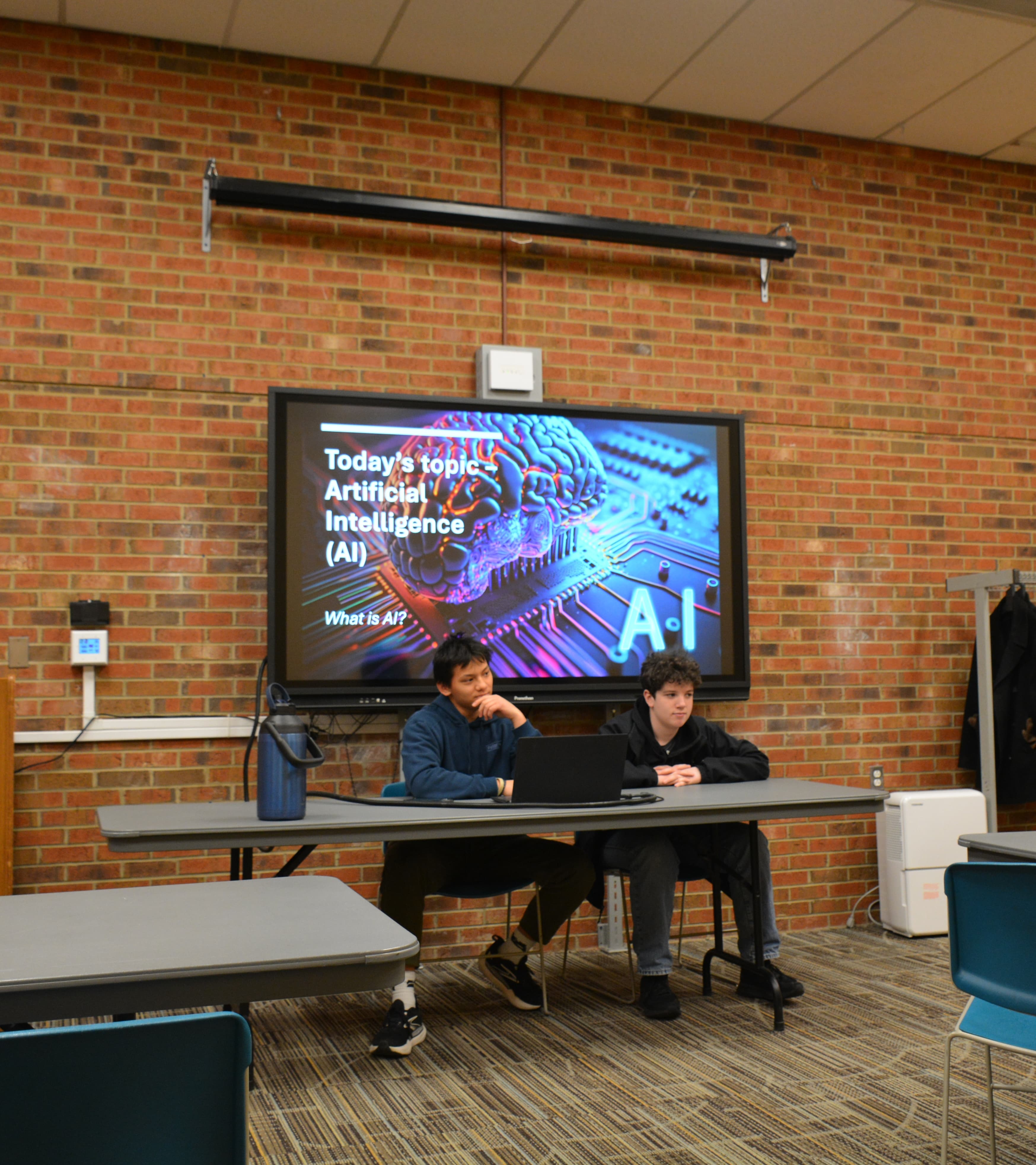
La Semana 1 empieza con la pregunta que todo niño hace de verdad: ¿qué cuenta como IA?
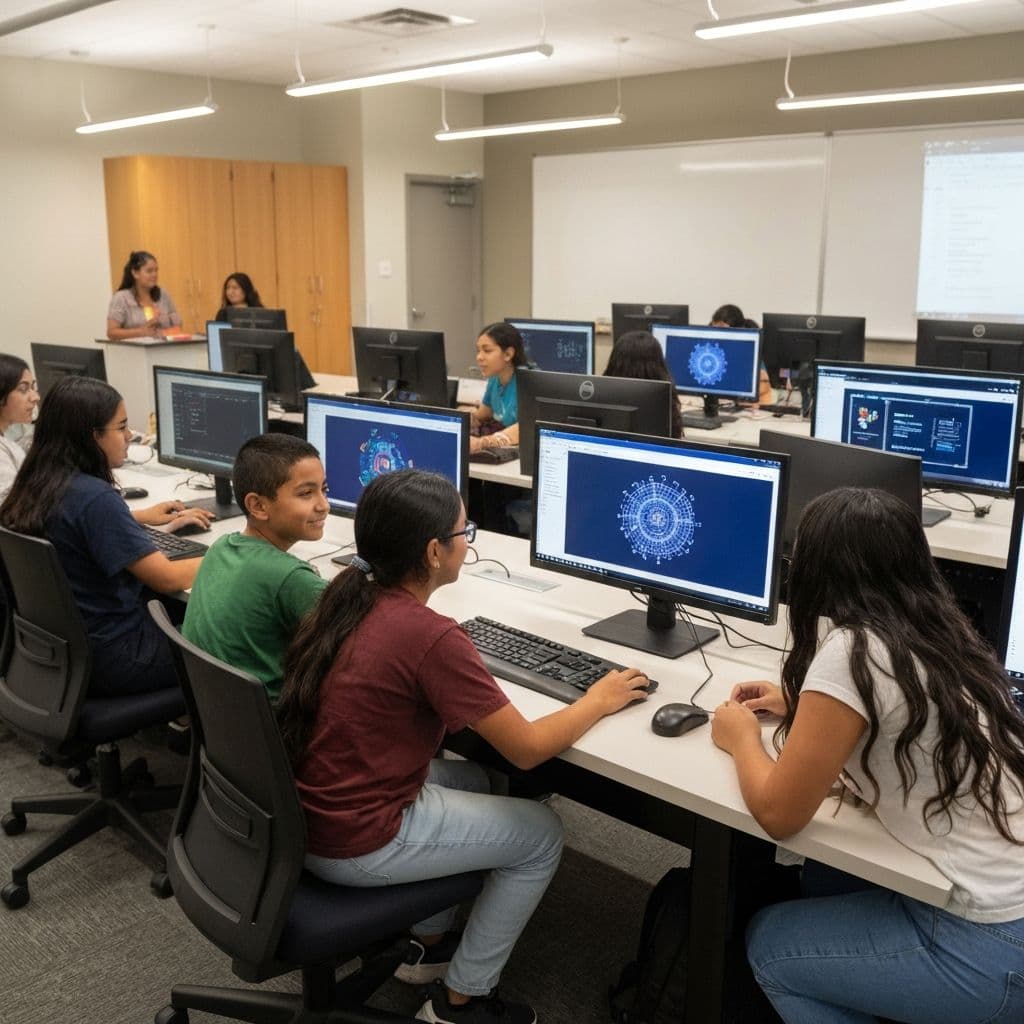
Los estudiantes clasifican datos, entrenan un modelo y descubren dónde se equivoca.
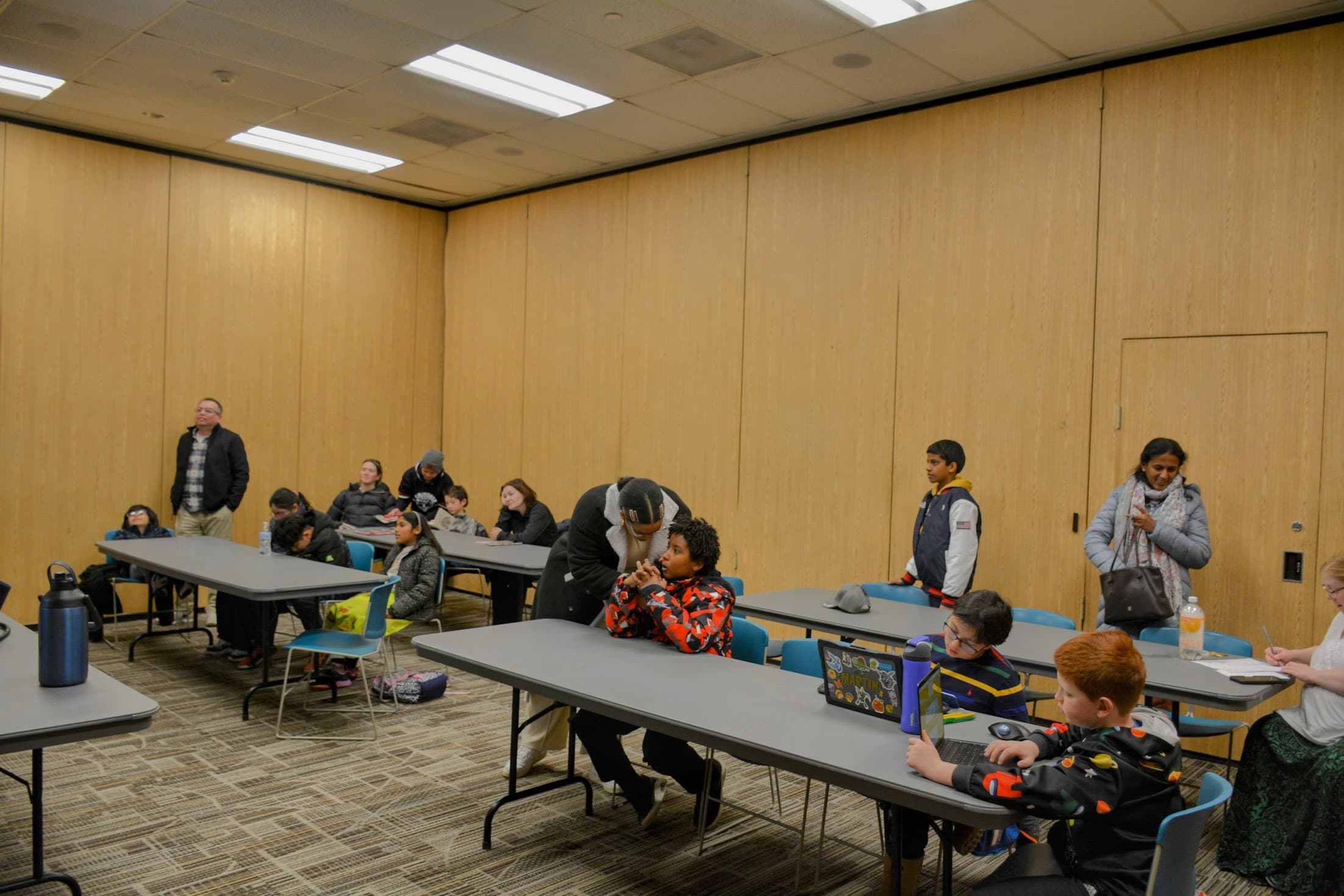
Todo corre en una pestaña del navegador, en una Chromebook, tableta o laptop.
El camino
Seis semanas, seis sistemas
Todas las semanas están abiertas: adelántate para echar un vistazo o sigue el camino en orden.
- Semana 1: Qué es y qué no es la IADistingue la inteligencia artificial del software común y detecta la IA que ya te rodea.2.5-3 horas · 3 lecciones · 3 actividades · Sin empezar
- Semana 2: Cómo los datos enseñan a un modeloDescubre cómo los ejemplos, las etiquetas y las características se convierten en los datos con los que aprende un modelo, y por qué importan los datos limpios y balanceados.2.5-3 horas · 3 lecciones · 3 actividades · Sin empezar
- Semana 3: Reconocimiento de imágenes y errores del modeloDescubre cómo un clasificador de imágenes convierte los píxeles en predicciones, mide qué tan bien funciona, y encuentra y corrige los errores que comete.2.5-3 horas · 3 lecciones · 3 actividades · Sin empezar
- Semana 4: IA de texto, chatbots y recomendacionesDescubre cómo la IA maneja el lenguaje y las sugerencias, desde chatbots por palabras clave hasta la predicción de texto y los feeds que moldean lo que ves.2.5-3 horas · 3 lecciones · 3 actividades · Sin empezar
- Semana 5: Justicia, privacidad e información confiableAudita la IA en busca de sesgos, protege los datos de las personas y comprueba si el contenido que ves es confiable.2.5-3 horas · 3 lecciones · 3 actividades · Sin empezar
- Semana 6: Estudio de diseño de IAReúnelo todo: define un problema real, decide si la IA encaja, diseña y prueba un prototipo, y preséntalo de forma responsable.2.5-3 horas · 3 lecciones · 3 actividades · Sin empezar
Proyecto final
Diseña un asistente de IA responsable
Partiendo de lo que aprendiste durante las seis semanas, diseña una herramienta de IA que ayude a un grupo real de personas. Definirás el problema, decidirás si la IA de verdad encaja, planearás las entradas, salidas, etiquetas, características o reglas, bosquejarás un prototipo, escribirás casos de prueba y explicarás cómo la mantendrías justa, privada y bajo supervisión humana. Este es un proyecto de diseño y planeación: no entrenarás un modelo real.
Tu proyecto incluirá
- Una necesidad clara del usuario
- Una decisión sobre si la IA encaja
- Entradas y salidas diseñadas
- Prototipo y casos de prueba
- Un plan de uso responsable
- Una presentación clara
Elige una dirección
Clasificador útil
A un grupo le cuesta clasificar muchos elementos rápido, como una biblioteca ordenando libros devueltos o un club organizando fotos.
Ayudante de preguntas
La gente hace las mismas preguntas una y otra vez y un equipo pequeño no da abasto, como la oficina de una escuela o la mesa de ayuda de un juego.
Recomendador justo
Una comunidad quiere sugerencias (libros, actividades o recetas) sin atrapar a la gente en una burbuja de filtros.
Tu propia idea
Tienes un problema en tu escuela o comunidad en el que crees que la IA podría ayudar.
Puedes ver el proyecto en cualquier momento: lo construirás en la Semana 6.
Lo que necesitas
Casi con seguridad, ya lo tienes
- Un navegador web - en una Chromebook escolar, tableta o laptop
- Un teclado, ratón o pantalla táctil
- Un cuaderno o una hoja de trabajo impresa - opcional
- Conjuntos de datos ficticios incluidos - incluidos, sin descargas
- Una cámara o carga de imágenes - opcional, solo en algunas actividades posteriores
- No se necesita micrófono
- No se necesita cuenta externa de IA
Nada que instalar
Nada sale del dispositivo
Referencia
Vocabulario
Cada término clave del curso, definido en un lenguaje que un niño de quinto grado de verdad puede usar.
Tu trabajo
Notas y reflexiones
Las notas se guardan solas en este dispositivo
Anota tus ideas mientras avanzas. Por favor no escribas tu nombre completo, tu dirección, contraseñas ni otra información privada: las notas se guardan solo en este navegador, en este dispositivo, y nunca se envían a ningún lado.
Administra tu progreso
Tu progreso, notas y respuestas se guardan solo en este navegador, en este dispositivo. No se envía nada a ningún lado y no se requiere información personal.
Para maestros
¿Listo para descubrir cómo funciona la IA en realidad?
Empieza con la Semana 1 y avanza por las seis semanas a tu propio ritmo. Sin cuenta, sin costo y sin nada que instalar.