Curso de robótica de 8 semanas
Robótica e Automação
Aprenda como os robôs percebem, pensam e agem, e depois projete, construa, programe, teste e melhore um que ajude.
- Idade
- 4º ao 6º ano
- Duração
- 8 semanas
- Por semana
- 60 a 90 minutos
- Você precisa de
- Nada em especial
Nenhum hardware necessário. Você pode mudar a forma de trabalhar a qualquer momento sem perder nada.
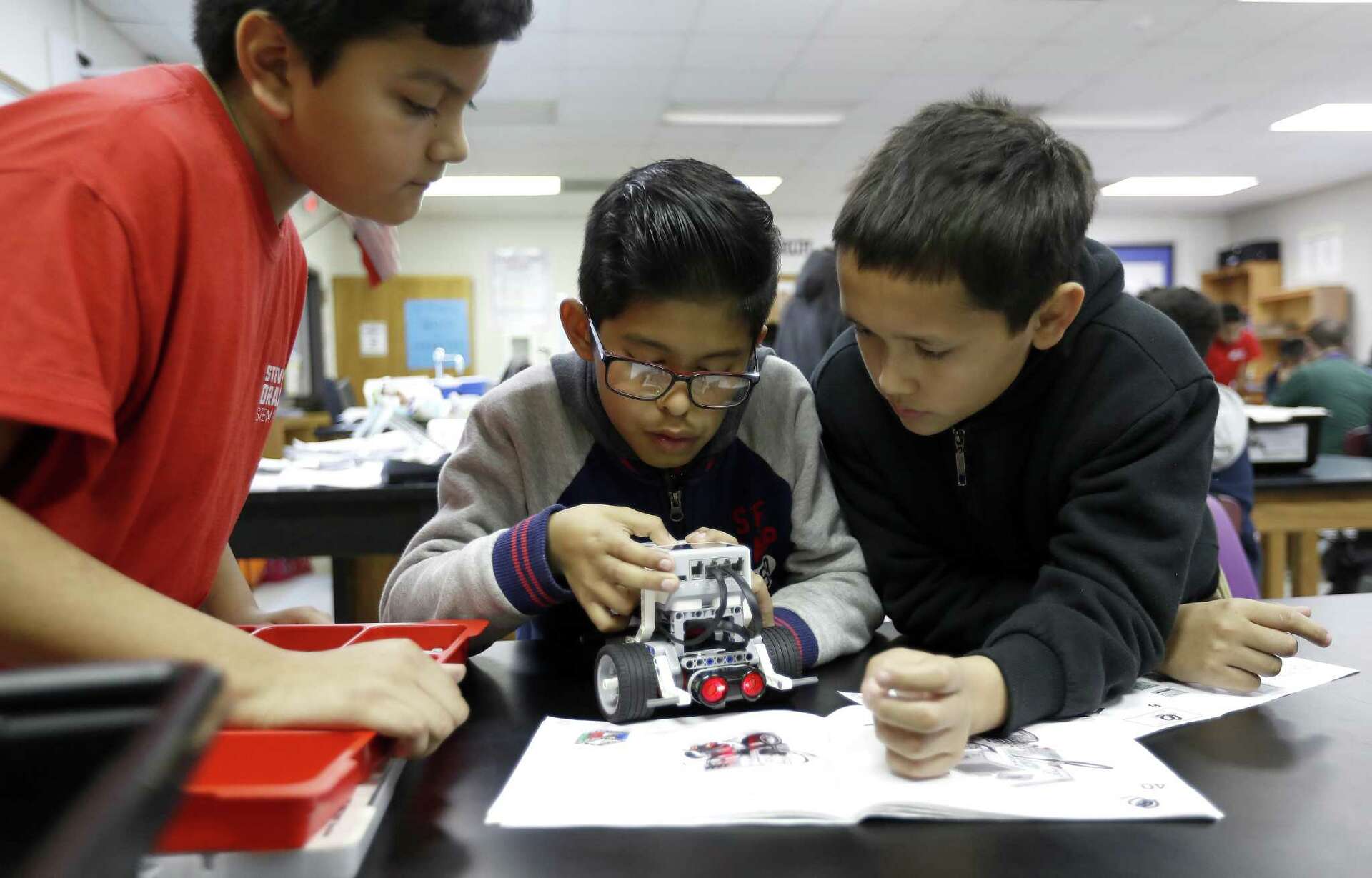
Construa com um kit, programe no simulador do navegador ou faça sem conexão com papelão: o mesmo curso, o mesmo projeto final.
0 of 8 weeks completed
0%
É a sua primeira vez? Comece pela semana 1: não precisa de kit nenhum e leva cerca de 60 a 75 minutos.
Começar o cursoAs missões
Uma missão de robô por semana
Robótica e Automação ensina como os robôs de verdade funcionam, construindo uma ideia de cada vez. Os estudantes começam distinguindo robôs de máquinas comuns, depois constroem uma base com rodas, dão a ela instruções exatas, adicionam sensores e fazem com que reaja ao mundo com laços e condições. As últimas semanas focam na depuração para garantir confiabilidade e no planejamento de uma missão autônoma segura, e o curso termina com um projeto final em que cada estudante projeta, constrói ou simula, programa, testa e melhora um robô que faz uma tarefa útil. Todo o curso funciona de três formas (com um kit programável, um simulador no navegador ou sem conexão com papelão e programação no papel) para que qualquer sala de aula, biblioteca ou casa possa participar.
- 8
- Missões semanais
- 3
- Formas de construir
Decida o que conta como robô e depois mapeie e projete um robô que faça uma tarefa útil.
Construa uma base com rodas estável e teste como as rodas, engrenagens e o chassi mudam o modo como ela se move.
Planeje uma sequência exata de comandos de avanço e giro, preveja onde ela termina e depois programe o robô para seguir um caminho até um objetivo.
Leia um sensor sob condições variáveis, encontre um limiar e calibre-o para que as leituras sejam confiáveis nesta sala.
Programe um robô que reage por conta própria: ele repete em laço, verifica um sensor e usa se/senão para desviar de obstáculos ou seguir uma linha.
Diagnostique e corrija falhas mecânicas, de programação e de sensores, e depois prove que o robô é confiável com um teste de três tentativas.
Planeje uma missão autônoma com requisitos, restrições e um fluxograma, e depois ensaie-a com uma missão de prática guiada e curta.
Projete, construa ou simule, programe, teste e melhore um robô que realize uma missão útil à sua escolha.
Na sala
Robôs, mas de verdade
A Avanza realiza sessões de robótica em bibliotecas e salões comunitários com o equipamento que houver à mão, que é exatamente como este curso foi feito para funcionar.
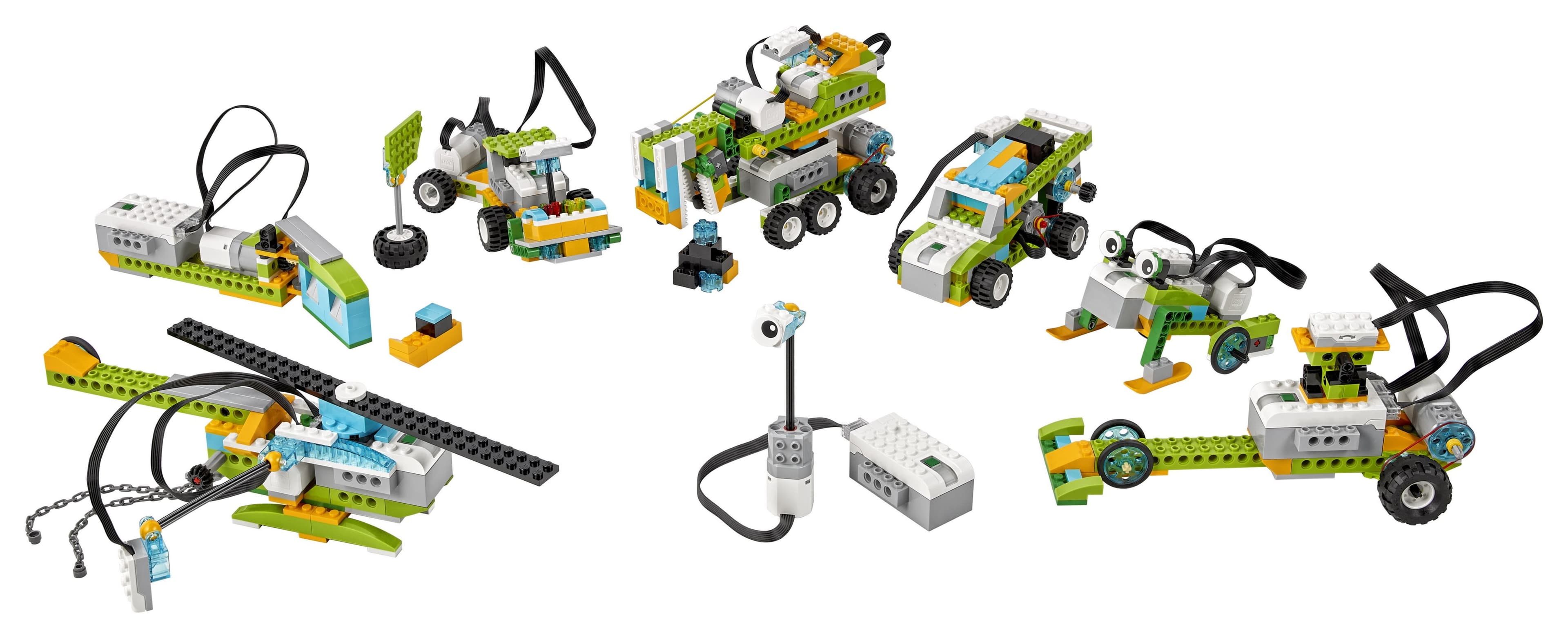
Tem um kit? Monte o chassi, ligue os sensores e coloque-o para rodar.
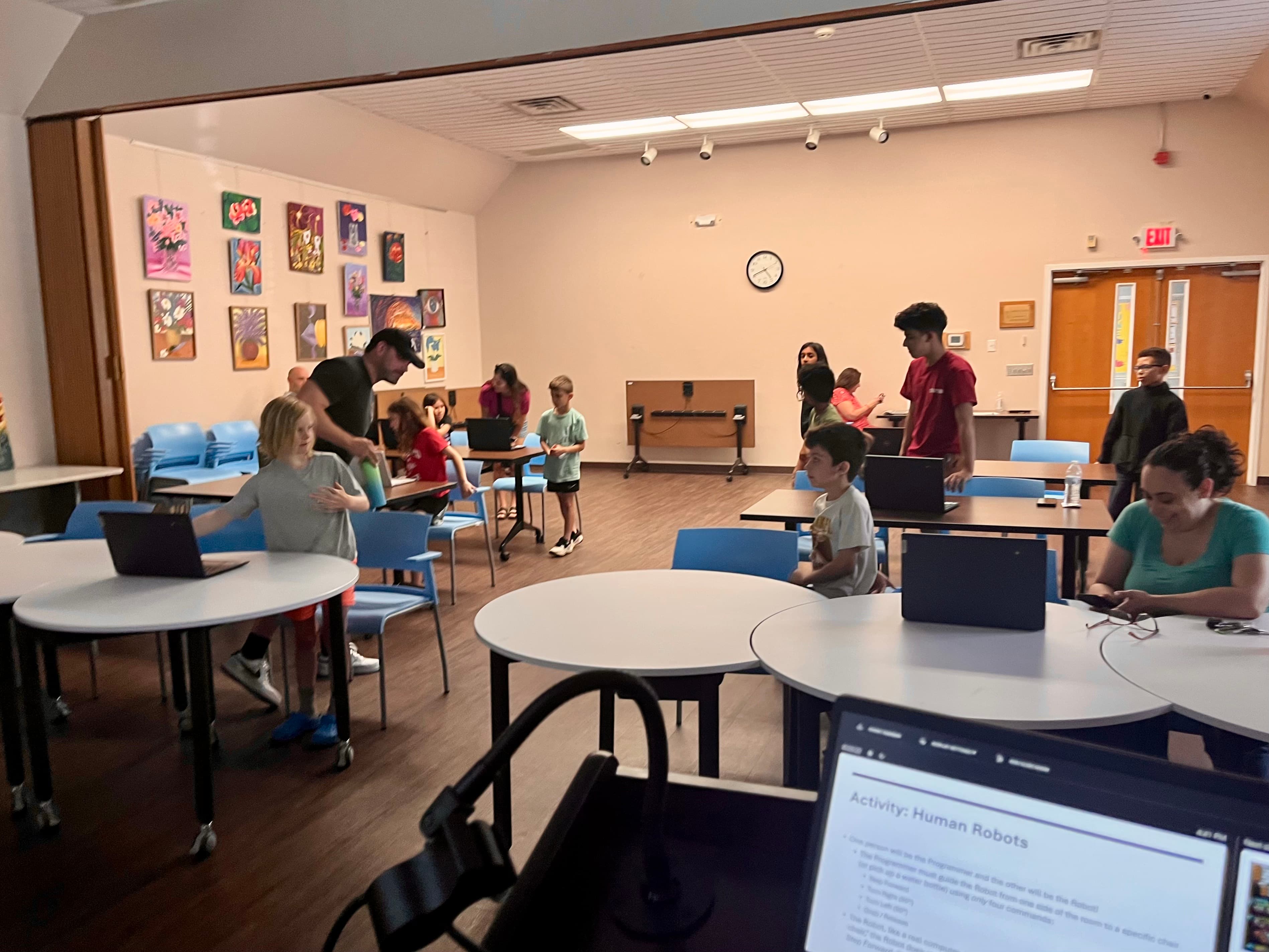
Sem kit? A atividade Robôs Humanos ensina a mesma ideia só com instruções.
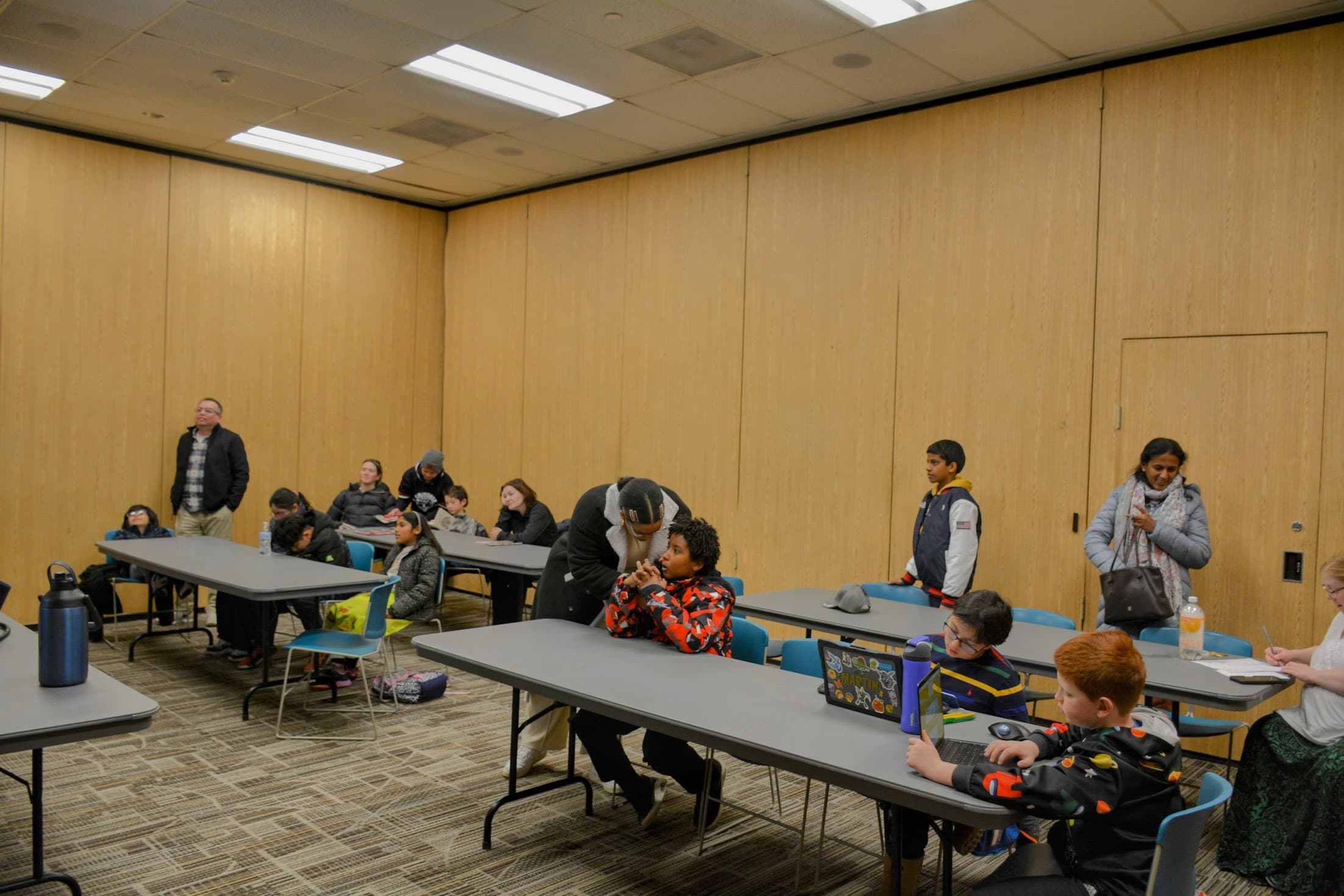
Ou programe o simulador do navegador: ele roda as mesmas missões sem hardware nenhum.
Ao final
O que todo estudante entende
Não como seguir um guia de montagem, mas como uma máquina percebe o mundo, decide o que fazer e age de acordo.
- Explicar o que faz algo ser um robô e como ele percebe, decide e age
- Construir uma base de robô estável que se mova
- Programar sequências exatas de instruções
- Usar sensores, limiares e calibração
- Fazer robôs reagirem com laços e condições
- Depurar problemas mecânicos, de programação e de sensores para garantir confiabilidade
- Planejar uma missão autônoma segura com um fluxograma
- Projetar, construir, programar, testar e melhorar um robô que ajude
Sua preparação
Kit, simulador ou sem conexão
Os três caminhos ensinam as mesmas ideias de robótica e chegam ao mesmo projeto final. Nenhum é uma versão inferior: escolha o que se ajusta ao que você tem.
Escolha o seu caminho
Dá para fazer este curso com um kit de robótica, com o simulador no navegador, ou sem eletrônicos, com materiais de casa. Escolha um: você pode trocar quando quiser sem perder o seu trabalho.
Você pode mudar a qualquer momento
O caminho
As oito semanas
Cada semana ensina uma ideia de robótica e depois a coloca em prática. As semanas se apoiam umas nas outras, então elas se desbloqueiam em ordem conforme você as termina: a Semana 1 já está aberta.
- 01
O que faz de algo um robô?
Os estudantes descobrem o que de fato faz de algo um robô, e não apenas uma máquina. Eles aprendem que um robô percebe o mundo, decide o que fazer e então age (o ciclo de entrada, processamento e saída), e que é o programa que permite a ele repetir o trabalho sozinho. Investigam aparelhos reais, representam um deles como sistema robótico e esboçam um robô útil da própria cabeça.
- Missão:
- Decidir o que conta como robô, e depois mapear e projetar um robô que faça um trabalho útil.
- Tempo e peças:
- 60 a 75 minutos · 6-part lesson
- Materiais principais:
- Três ou quatro aparelhos do dia a dia para investigar (brinquedo, celular, lanterna, robô aspirador etc.), Folha de atividade Mapa do Sistema Robótico (para imprimir), Lápis e papel para desenhar e mais
- Ideias novas:
- Robô, Máquina, Entrada, Processamento
- 02
Construir um robô que anda
Agora que os estudantes sabem o que é um robô, eles constroem um que realmente anda. Aprendem como um motor gira um eixo, como as rodas e as engrenagens transformam esse giro em movimento, e como as engrenagens trocam velocidade por força de giro (torque). Investigam por que algumas bases com rodas tombam e outras ficam firmes (o atrito e a aderência dão agarre, e um centro de massa baixo e largo dá estabilidade) e conhecem a tração diferencial, em que girar as duas rodas em velocidades diferentes é o que dirige o robô. Depois, cada estudante monta e testa a própria base com rodas.
- Missão:
- Construir uma base com rodas estável e testar como as escolhas de roda, engrenagem e chassi mudam o jeito de ela andar.
- Tempo e peças:
- 65 a 80 minutos · 8-part lesson
- Materiais principais:
- Folha de atividade Registro de Testes do Chassi (para imprimir), Lápis, papel e uma régua ou fita métrica, Uma rampa curta ou uma pilha de livros para formar um plano inclinado para o teste de tombamento e mais
- Ideias novas:
- Motor, Eixo, Roda, Engrenagem
- 03
Dar instruções exatas
Os estudantes aprendem que os computadores seguem as instruções ao pé da letra e com exatidão: o robô faz o que você realmente mandou, não o que você quis dizer. Eles escrevem um algoritmo (um plano claro, passo a passo) como pseudocódigo em linguagem comum, e depois o transformam num programa feito de uma sequência direta de comandos de movimento, com tempo, distância e curvas. Preveem onde o robô vai parar antes de rodar o programa, e depois rodam e comparam. Esta é uma semana só de sequências: ainda não há laços de repetição, condições nem sensores, apenas comandos exatos e em ordem para levar o robô por um trajeto de entrega ou um labirinto até o objetivo.
- Missão:
- Planejar uma sequência exata de comandos de avanço e curva, prever onde ela termina, e depois programar o robô para seguir um trajeto até o objetivo.
- Tempo e peças:
- 60 a 75 minutos · 7-part lesson
- Materiais principais:
- Mapa de trajeto ou labirinto com largada, objetivo e casas de grade (para imprimir), Folha de planejamento de pseudocódigo (para imprimir), Folha de registro para prever e testar (para imprimir) e mais
- Ideias novas:
- Programa, Comando, Sequência, Algoritmo
- 04
Dando sentidos ao robô
Agora que o robô anda e segue instruções, os estudantes dão sentidos a ele. Eles conhecem os sensores de toque, distância, luz e cor e aprendem que uma leitura de sensor é um número que o robô consegue medir. Descobrem que um limiar é um ponto de corte que transforma números em "perto ou longe" e "claro ou escuro", que todo sensor tem limites de detecção, e que as leituras oscilam um pouco (ruído), então é preciso tirar várias e calibrá-las para esta sala e este robô. Depois de ler e calibrar, eles programam uma parada baseada em sensor: o robô anda e usa o sensor de distância para frear bem antes de uma parede, de modo que enfim um limiar controla uma ação de verdade. O comportamento automático completo, com laços de repetição e condições ao longo de uma missão inteira, vem na semana que vem.
- Missão:
- Ler um sensor em condições variadas, encontrar um limiar e calibrá-lo para as leituras serem confiáveis nesta sala.
- Tempo e peças:
- 70 a 85 minutos · 7-part lesson
- Materiais principais:
- Folha de atividade Registro de Leituras do Sensor (para imprimir), Fita métrica ou régua para marcar distâncias conhecidas, Lápis e papel para anotar as leituras e mais
- Ideias novas:
- Sensor de toque, Sensor de distância, Sensor de luz, Sensor de cor
- 05
Fazendo os robôs reagirem
Esta é a grande semana de programação. Os estudantes pegam os sensores da semana 4 e as sequências da semana 3 e combinam tudo com laços de repetição e condições, para o robô conseguir reagir sozinho. Eles aprendem que um laço repete passos, que um laço infinito se repete até alguém pará-lo, e que um laço repetir-até roda até uma condição virar verdadeira. Conhecem as condições e as decisões booleanas (verdadeiro ou falso), e depois usam se e se/senão para escolher ações. Programam o desvio de obstáculos (repetir em laço, ler o sensor de distância e, se houver algo perto, virar) e exploram o seguimento de linha, conferindo um sensor de luz ou de cor para se guiar e continuar em cima de uma linha.
- Missão:
- Programar um robô que reage sozinho: ele repete em laço, confere um sensor e usa se/senão para desviar de obstáculos ou seguir uma linha.
- Tempo e peças:
- 70 a 85 minutos · 7-part lesson
- Materiais principais:
- Folha de planejamento do programa de blocos (para imprimir), Conjunto de cartões de decisão se/senão (para imprimir), Registro de testes de reação (para imprimir) e mais
- Ideias novas:
- Laço de repetição, Laço infinito, Repetir-até, Condição
- 06
Depuração e confiabilidade
Os estudantes pegam os robôs reativos que montaram e os tornam confiáveis. Eles aprendem que depurar é o trabalho de descobrir por que o resultado real é diferente do resultado esperado, e que os bugs vêm em três famílias: mecânicos (alguma coisa física), de programação (uma instrução errada ou faltando) e de sensor (uma leitura, um limiar ou uma calibração ruins). Eles praticam com missões de depuração preparadas de propósito, conhecem variáveis e contadores para guardar e acompanhar valores, e fazem ensaios de confiabilidade (a mesma tarefa três vezes) registrando o esperado x o real para provar que o robô funciona mesmo.
- Missão:
- Diagnosticar e corrigir bugs mecânicos, de programação e de sensor, e depois provar que um robô é confiável com um teste de três rodadas.
- Tempo e peças:
- 70 a 85 minutos · 7-part lesson
- Materiais principais:
- Registro de teste de três rodadas (para imprimir), Folha de atividade Detetive de Bugs, com as três famílias (para imprimir), Lápis e papel para anotar os resultados e mais
- Ideias novas:
- Depuração, Variável, Contador, Valor guardado
- 07
Planejar uma missão autônoma
Os estudantes aprendem como quem faz engenharia planeja o trabalho de um robô antes de construí-lo. Eles distinguem os sistemas autônomos (que decidem sozinhos com sensores e um programa) dos que são por controle remoto (pilotados por uma pessoa), e depois escrevem requisitos, restrições e critérios para uma missão e pesam as trocas. Desenham o fluxograma de um programa autônomo, com caixas de ação e losangos de decisão, incluindo uma parada segura, e fazem uma missão curta de prática guiada, como ensaio para o projeto final da semana que vem.
- Missão:
- Planejar uma missão autônoma com requisitos, restrições e um fluxograma, e depois ensaiá-la com uma missão curta de prática guiada.
- Tempo e peças:
- 60 a 75 minutos · 8-part lesson
- Materiais principais:
- Folha de atividade Briefing de Planejamento da Missão (para imprimir), Página de fluxograma com caixas de ação e losangos de decisão (para imprimir), Lápis, borracha e papel e mais
- Ideias novas:
- Autônomo, Por controle remoto, Requisito, Restrição
- Final
Projete um robô que ajude
Este é o projeto final. Os estudantes escolhem uma missão (entrega, busca e resgate, inspeção, separação ou ajuda de acessibilidade) e juntam tudo o que viram no curso: um briefing de planejamento, um desenho rotulado, um diagrama de entrada, processamento e saída, um fluxograma, um projeto mecânico que anda, pelo menos um sensor, e um programa que usa uma sequência, um laço e uma condição, com um comportamento de parada segura. Eles fazem três rodadas de teste, documentam uma melhoria e explicam de que forma o robô deles ajuda.
- Missão:
- Projetar, construir ou simular, programar, testar e melhorar um robô que cumpra uma missão útil da sua escolha.
- Tempo e peças:
- 90 a 120 minutos (dá para dividir em duas aulas) · 7-part lesson
- Materiais principais:
- Briefing de planejamento do projeto final (para imprimir), Páginas de fluxograma e de desenho (para imprimir), Registro de teste de três rodadas (para imprimir) e mais
- Ideias novas:
- Missão, Briefing de planejamento, Diagrama de entrada, processamento e saída, Fluxograma
Como funciona
O que uma semana realmente envolve
- Uma grande ideia de robótica e uma missão principal por semana, em uma ordem que vai construindo.
- Cada semana funciona de três formas: um kit físico, um simulador no navegador ou materiais caseiros sem conexão.
- Cada semana segue um fluxo de aprender, explorar, construir, programar, testar e refletir.
- Os estudantes preveem, testam e registram resultados reais, e depuram quando algo dá errado.
- O curso termina com um projeto final e uma rubrica em que os estudantes projetam um robô que ajuda.
Segurança
Projeto final
O projeto final
O curso termina com uma missão que reúne todas as semanas: planeje-a, construa-a, teste-a e avalie o seu próprio trabalho.
Projete um robô que ajude
Escolha uma missão e depois planeje, construa ou simule, programe, teste e melhore um robô que a cumpra. O seu robô precisa usar pelo menos um sensor e um programa com uma sequência, um laço e uma condição, e precisa parar em segurança. Você vai fazer três rodadas de teste, uma melhoria documentada, e explicar de que forma o seu robô ajuda.
Missões de exemplo
- Entrega
- Busca e resgate
- Inspeção
- Separação
- Ajuda de acessibilidade
- A sua própria missão
Requisitos básicos
- Briefing de planejamento
- Desenho rotulado
- Diagrama de entrada, processamento e saída
- Fluxograma
- Projeto mecânico que anda
- Pelo menos um sensor
As semanas 1 a 7 preparam você: the base that moves, exact programs, sensors, loops and conditions, and testing all come together here.
Recursos
Tudo o que você salva, em um só lugar
Para adultos
Você não precisa de experiência em robótica
Cada semana inclui uma folha de trabalho imprimível e um guia com preparação, notas de segurança e perguntas para fazer. Por padrão, as semanas se desbloqueiam uma de cada vez; você pode abrir todas para revisar.
Controles para famílias e professores
O progresso é salvo só neste aparelho. Por padrão, cada semana é desbloqueada quando a anterior é concluída. Completed weeks stay open for review.
Pronto para construir o seu primeiro robô?
Comece pela Semana 1 e avance pelas oito semanas no seu próprio ritmo. Seu progresso, programas salvos e diário ficam armazenados neste dispositivo.